RMS (Robot Management System)
Follow Along: Let's move the AI robot to its destination
- Move the AI robot to the destination using navigation, camera and mouse manipulation on the RMS page.
- See the different visual outcomes by moving the robot using "driving robot" examples.
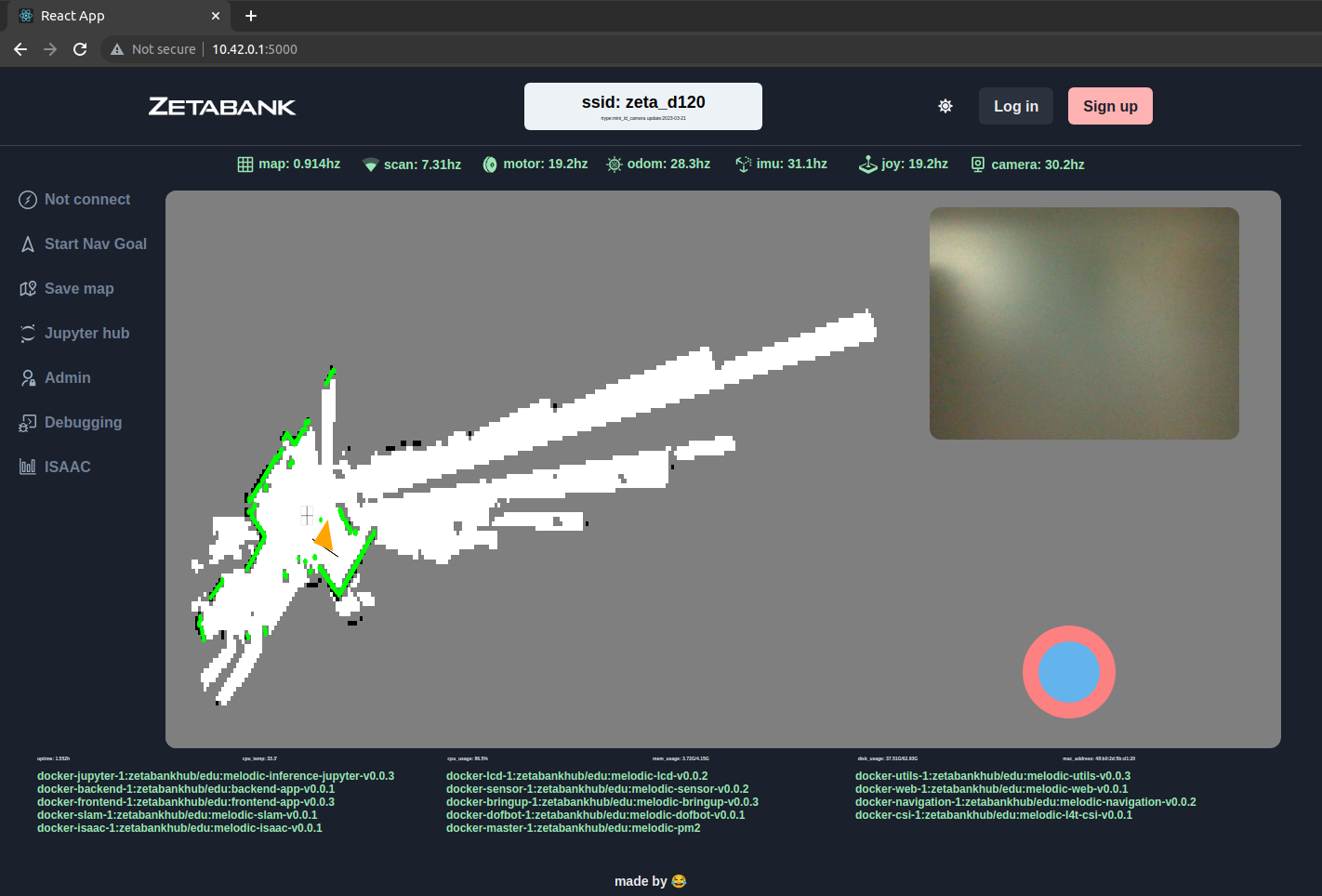
How to control the robot
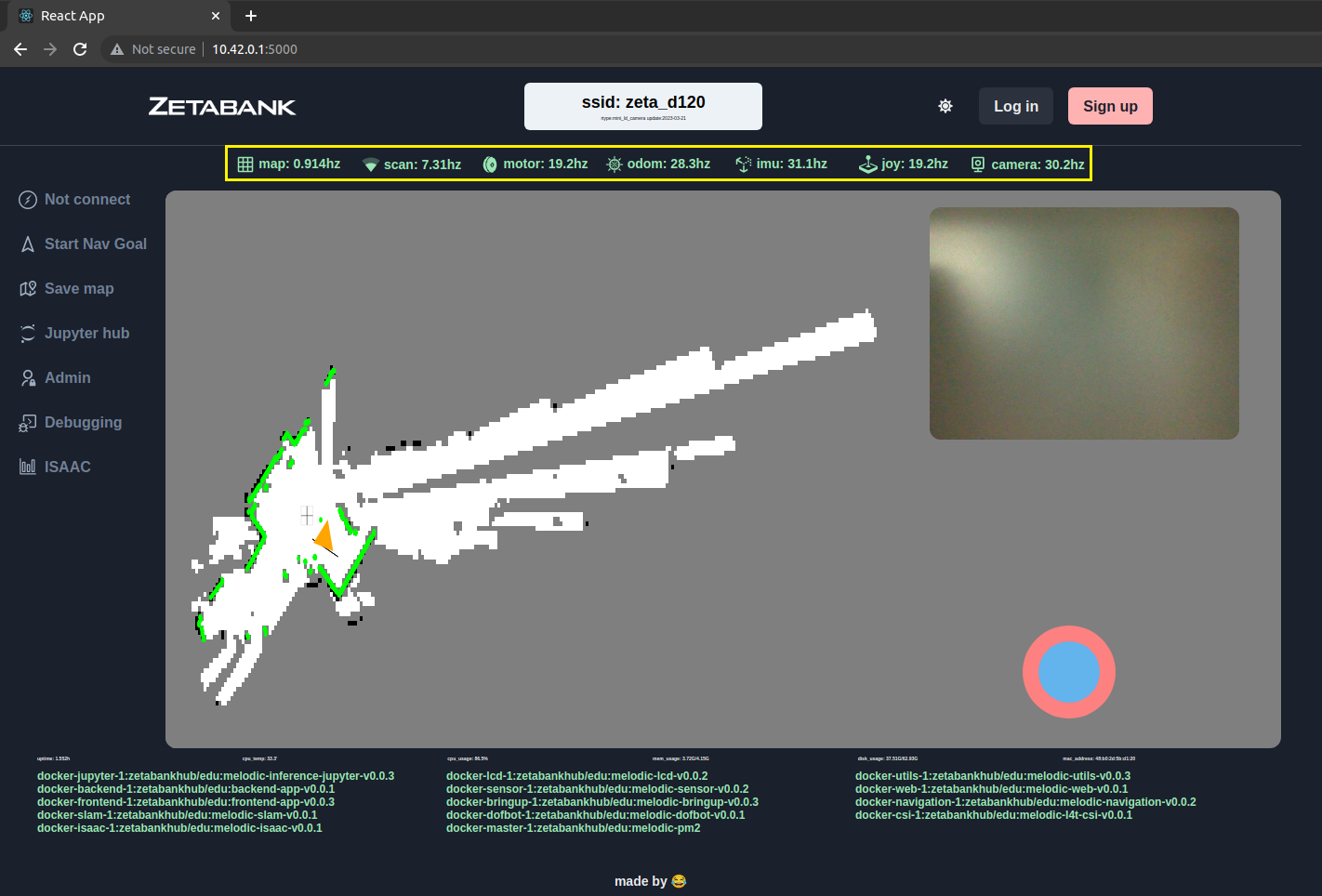
You can check the monitoring period of sensors such as map, lidar, and motor.
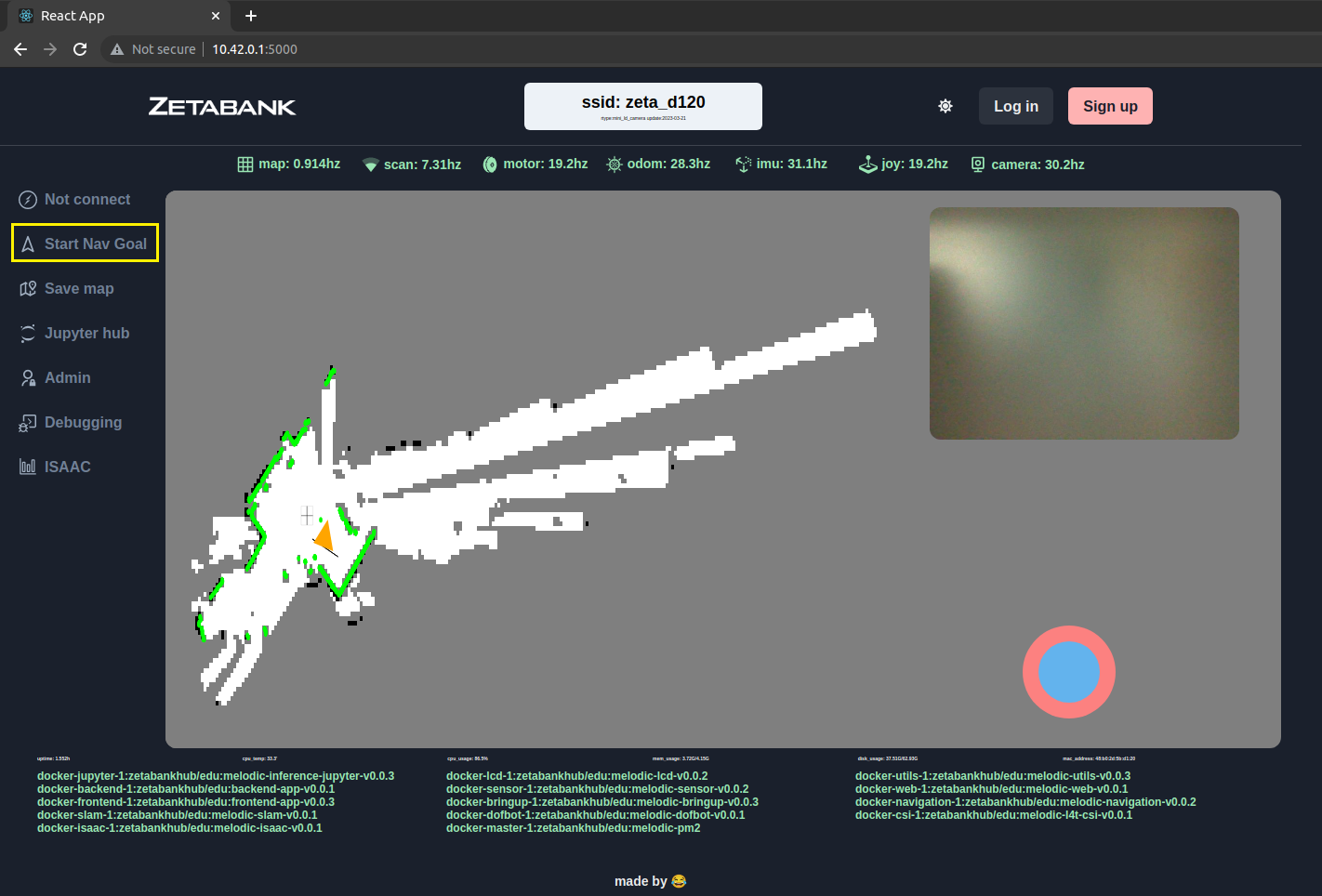
You can specify the destination of the ai robot by pressing the start nav goal button.
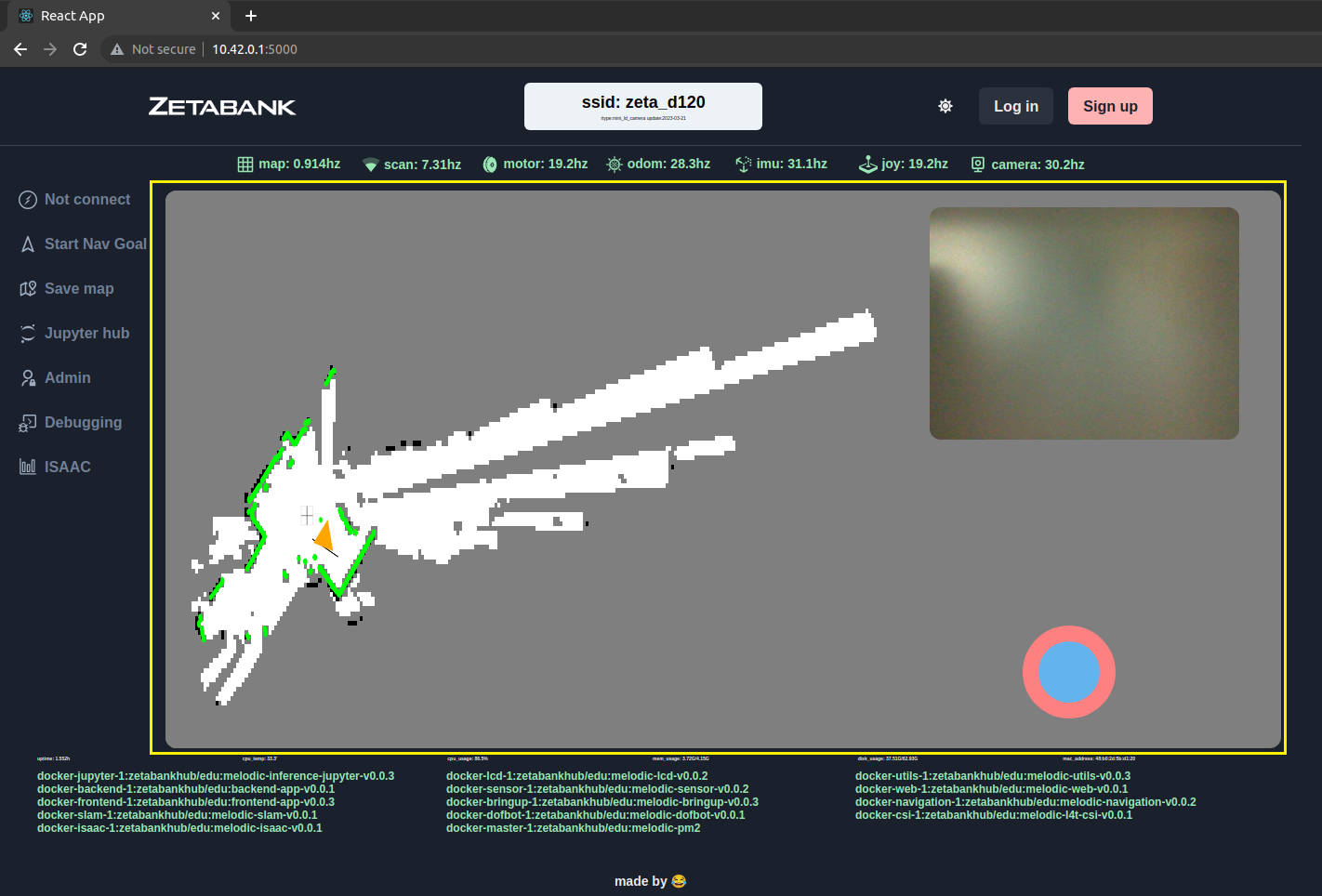
You can check the map.
The white area is a movable area.
The black area is an area that cannot be moved (ex. wall).
Gray areas are areas that have not yet been scanned.
Green points are walls recognized by ildar.
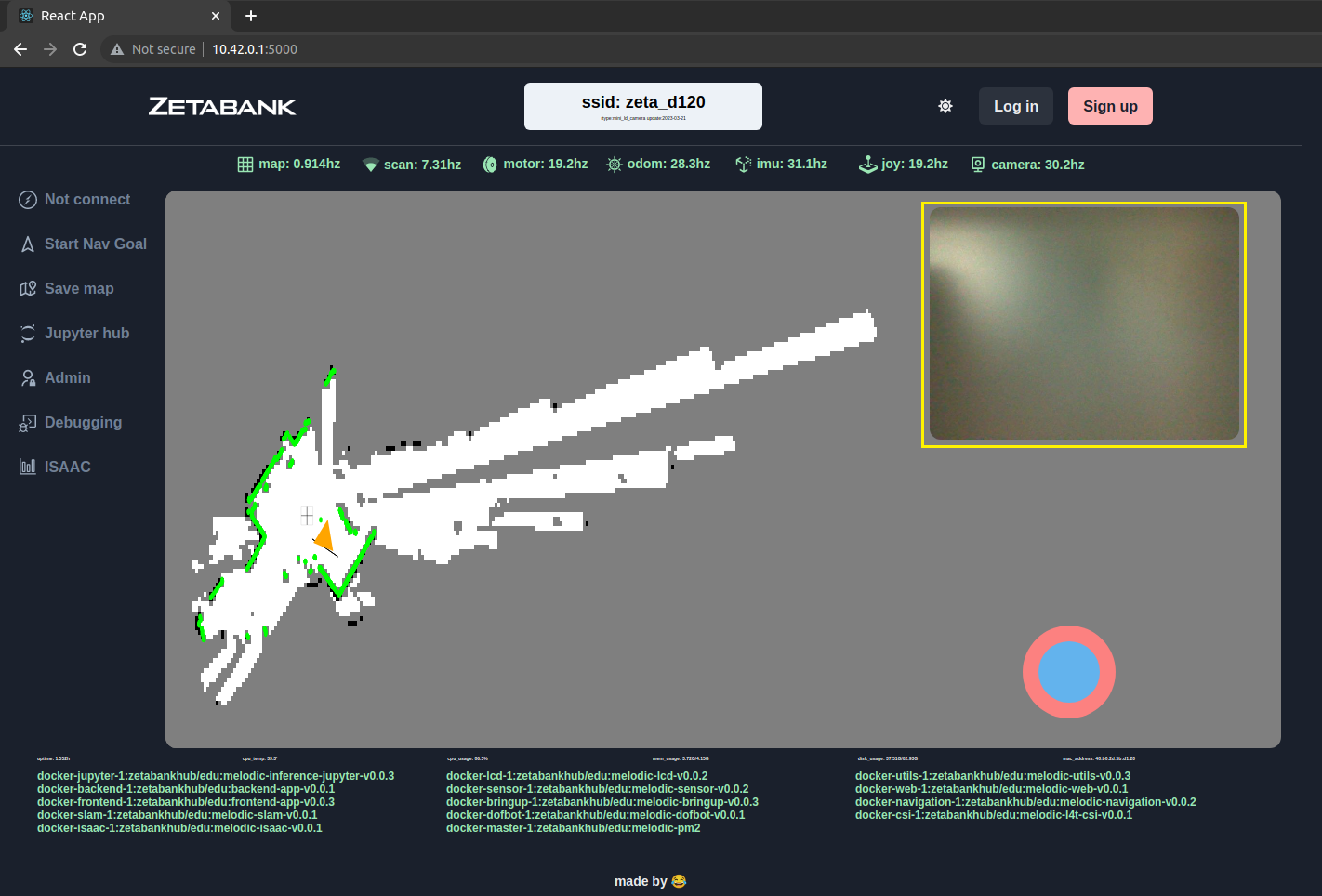
You can see the viewpoint of the camera in front of the ai robot.
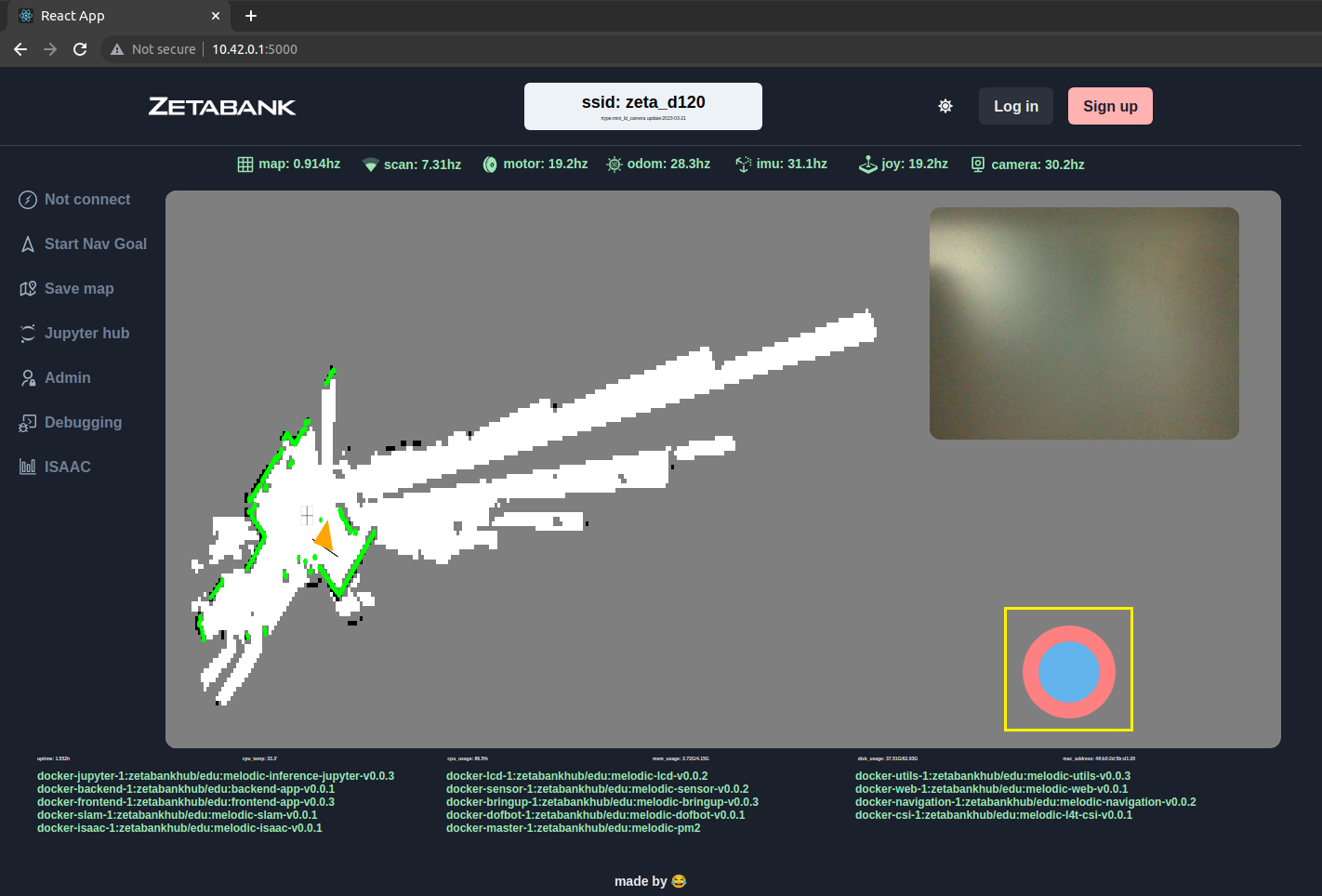
You can freely control the ai robot using the mouse.
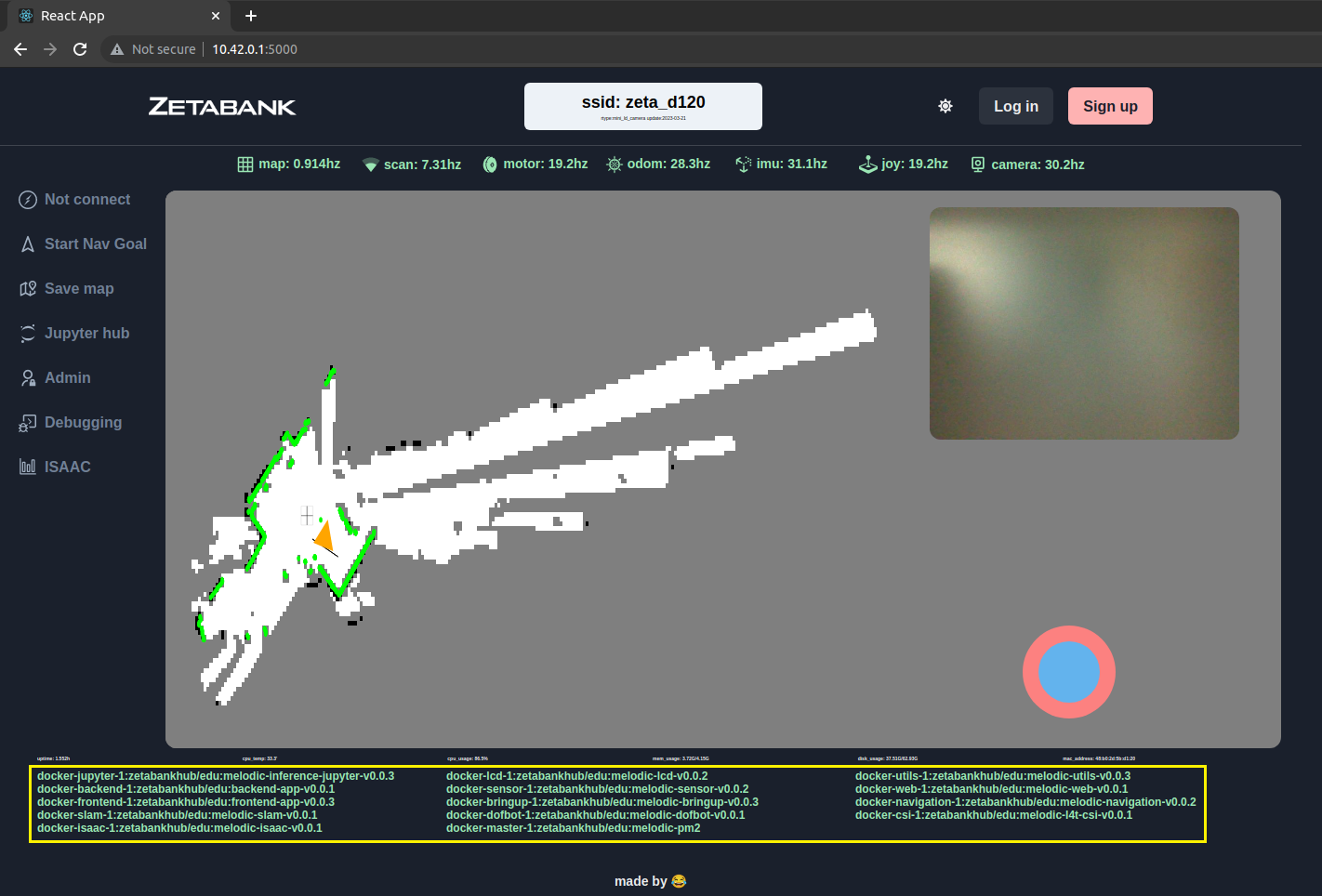
You can turn on or off each function of the robot.