Read Servo Motor Angle
Follow along: Read Servo Motor Angle
The program launching process along with parameter settings are all simplified and set up on the Jupyter Notebook Environment.
This example allows us to check the current angle of each of the servo motors.
- Open the 05_02_read_servo.ipynb Jupyter Notebook.
- Load Arm_Lib module and register the robot arm as an object.
- Follow and Execute the example codes.
(The Jetson Board used for these examples are => Jetson Nano)
05_02_read_servo.ipynb
- Running the cell code.Ctrl + Enter
To control the robot arm from code, don’t forget to shut down the docker container. See here.
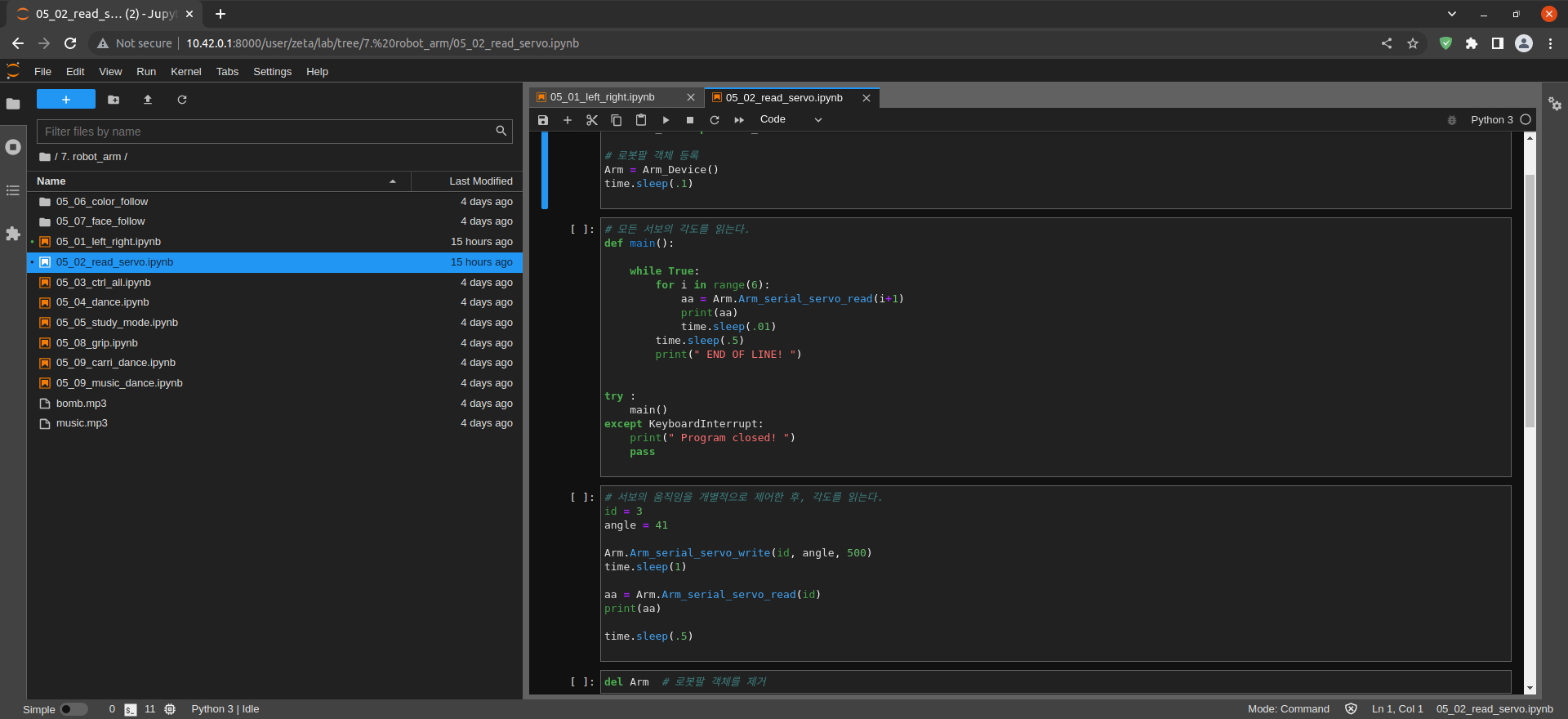
Load Arm_Lib module and register the robot arm as an object.
import time
from Arm_Lib import Arm_Device

# Register robot arm object.
Arm = Arm_Device()
time.sleep(.1)
Arm_serial_servo_read (motor number)
Read all servo motor angles using while statement.
# Read the angles of all servos.
def main():

    while True:
        for i in range(6):
            aa = Arm.Arm_serial_servo_read(i+1)
            print(aa)
            time.sleep(.01)
        time.sleep(.5)
        print(" END OF LINE! ")


try :
    main()
except KeyboardInterrupt:
    print(" Program closed! ")
    pass
Arm_serial_servo_write (motor number, angle, time)
Read angle after controlling servo motor No. 3.
# After individually controlling the movement of the servos, the angle is read.
id = 3
angle = 41

Arm.Arm_serial_servo_write(id, angle, 500)
time.sleep(1)

aa = Arm.Arm_serial_servo_read(id)
print(aa)

time.sleep(.5)
Remove the robot arm object.
del Arm # Remove robot arm object.