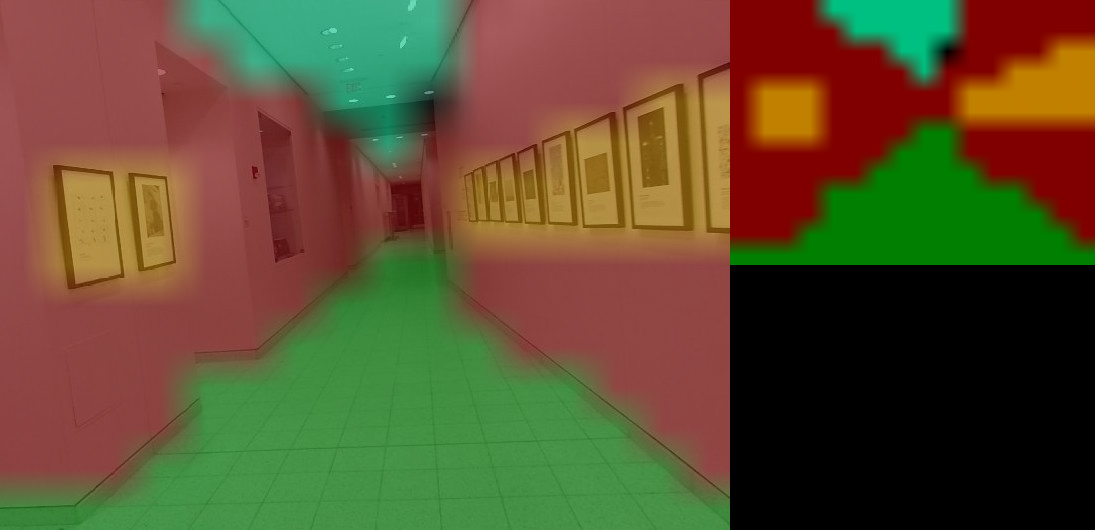
Follow Along!
Follow along: Segmentation Examples
- City Scapes
- Outdoor (off-road)
- Segmenting Human Images
- Variaty Objects and People
- In-Doors
02_5-1. segmentation.ipynb
- Running the cell codeCtrl + Enter
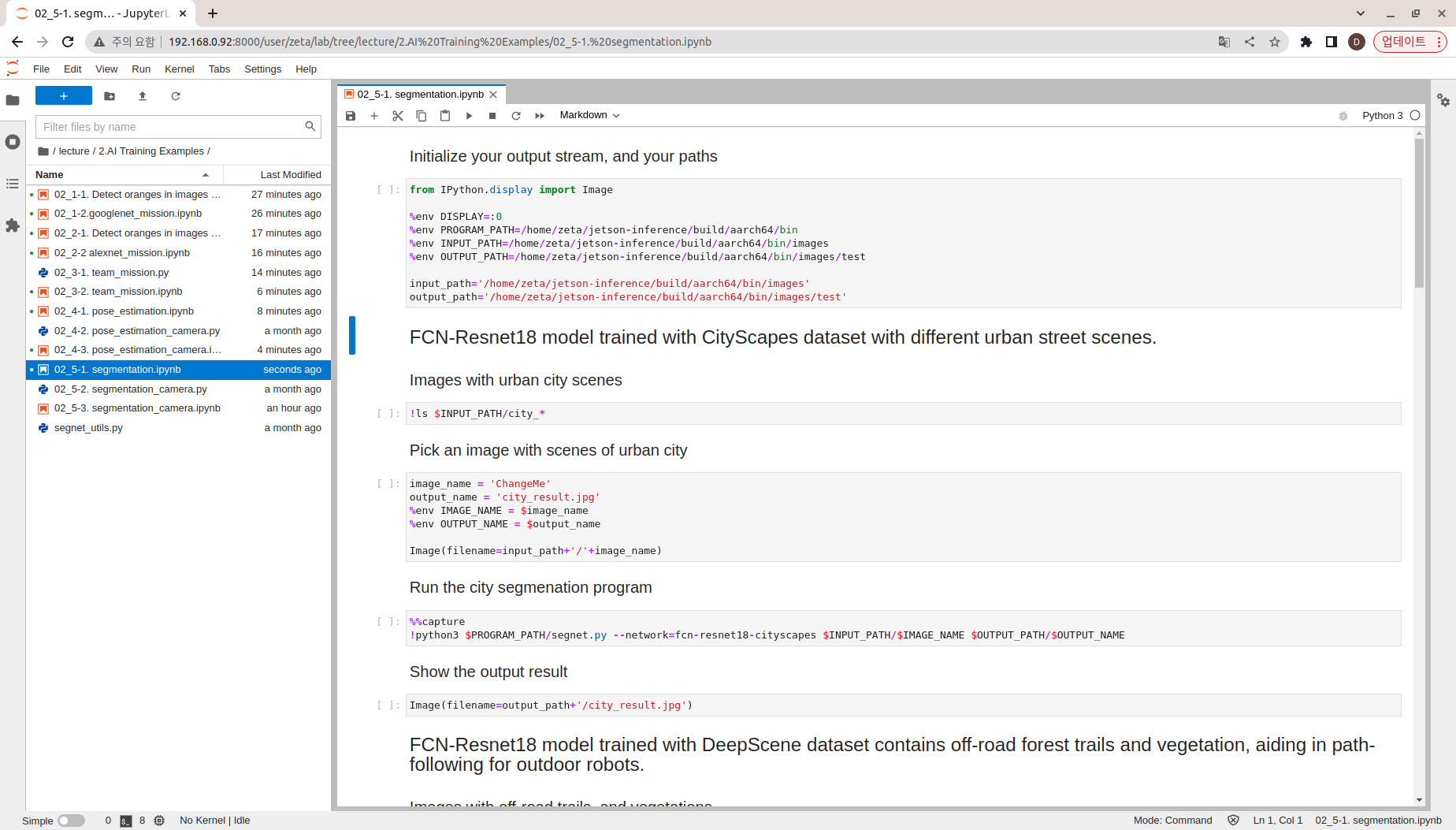
Initialize your output stream, and your path, and import in the Image library
from IPython.display import Image

%env DISPLAY=:0
%env PROGRAM_PATH=/home/zeta/jetson-inference/build/aarch64/bin
%env INPUT_PATH=/home/zeta/jetson-inference/build/aarch64/bin/images
%env OUTPUT_PATH=/home/zeta/jetson-inference/build/aarch64/bin/images/test

input_path='/home/zeta/jetson-inference/build/aarch64/bin/images'
output_path='/home/zeta/jetson-inference/build/aarch64/bin/images/test'
CityScapes
Check all the available pictures within the system
!ls $INPUT_PATH/city_*
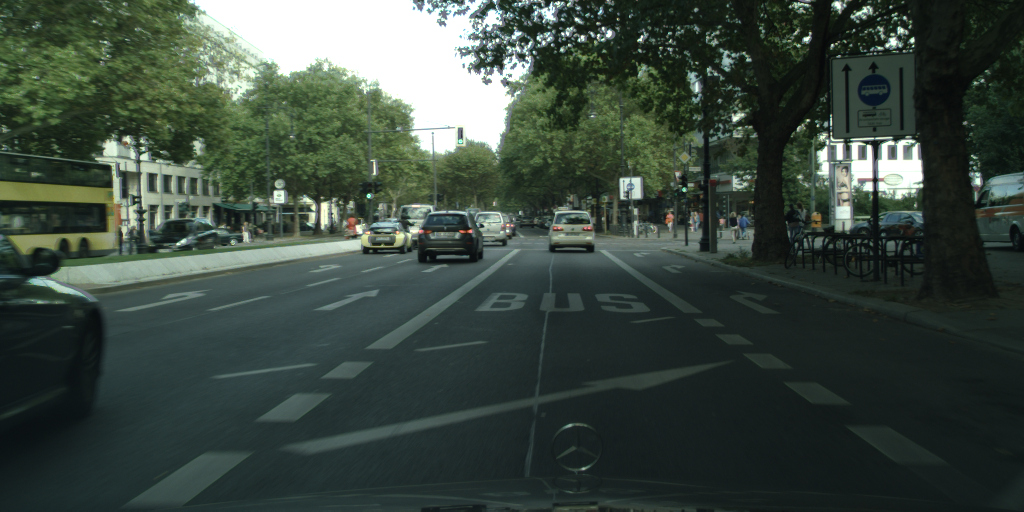
Pick one of the images with urban city scene and initialize the image/ output name.
image_name = 'ChangeMe'
output_name = 'city_result.jpg'
%env IMAGE_NAME = $image_name
%env OUTPUT_NAME = $output_name

Image(filename=input_path+'/'+image_name)
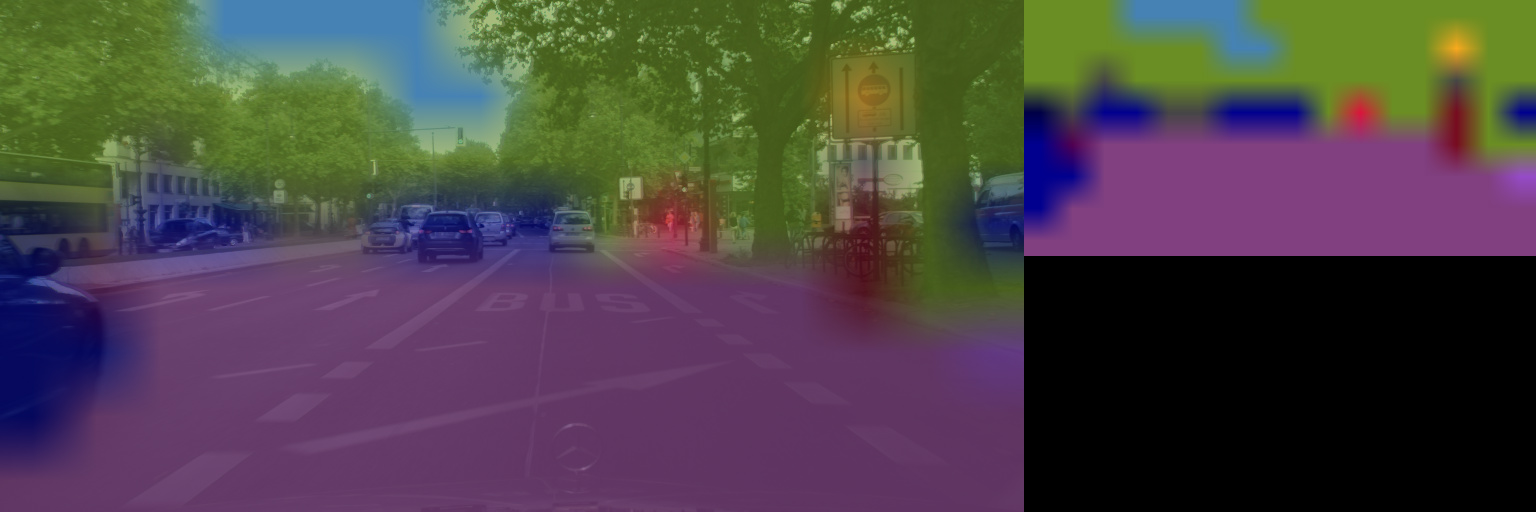
Segment the picture
%%capture
!python3 $PROGRAM_PATH/segnet.py --network=fcn-resnet18-cityscapes $INPUT_PATH/$IMAGE_NAME $OUTPUT_PATH/$OUTPUT_NAME
Show the resulting image
Image(filename=output_path+'/city_result.jpg')
Outdoor (off-road)
Check all the available pictures within the system
!ls $INPUT_PATH/trail_*
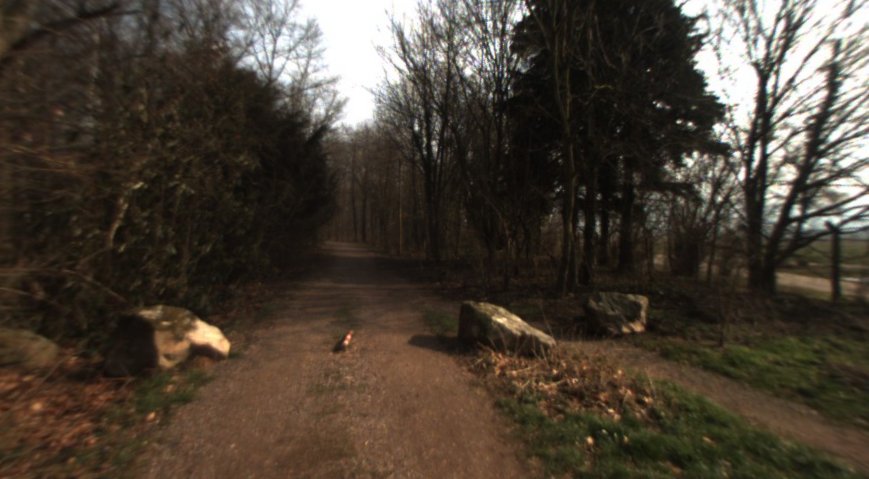
Pick one of the images with outdoor scenes and initialize the image/ output name.
image_name = 'ChangeMe'
output_name = 'trail_result.jpg'
%env IMAGE_NAME = $image_name
%env OUTPUT_NAME = $output_name

Image(filename=input_path+'/'+image_name)
Segment the picture
%%capture
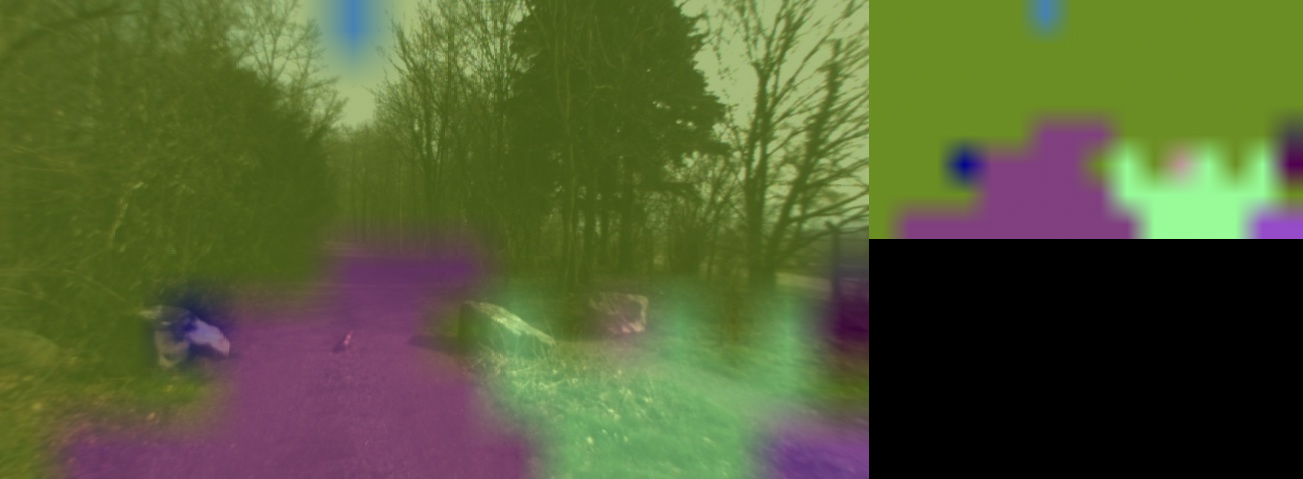
!python3 $PROGRAM_PATH/segnet.py --network=fcn-resnet18-deepscene $INPUT_PATH/$IMAGE_NAME $OUTPUT_PATH/$OUTPUT_NAME
Show the resulting image
Image(filename=output_path+'/trail_result.jpg')
Segmenting Human Images
Check all the available human pictures within the system
!ls $INPUT_PATH/humans_*
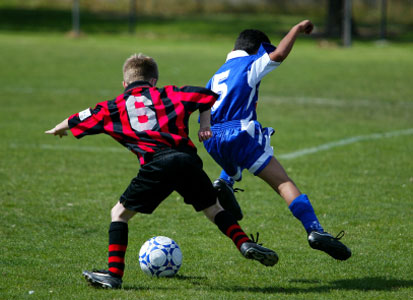
Pick one of the images with people and initialize the image/ output name.
image_name = 'ChangeMe'
output_name = 'humans_seg_result.jpg'
%env IMAGE_NAME = $image_name
%env OUTPUT_NAME = $output_name

Image(filename=input_path+'/'+image_name)
Segment the picture
%%capture
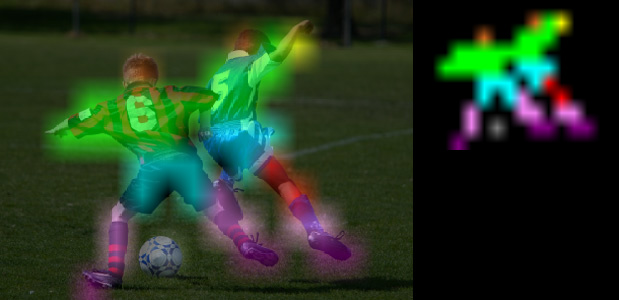
!python3 $PROGRAM_PATH/segnet.py --network=fcn-resnet18-mhp $INPUT_PATH/$IMAGE_NAME $OUTPUT_PATH/$OUTPUT_NAME
Show the resulting image
Image(filename=output_path+'/humans_seg_result.jpg')
Variaty Objects and People
Check all the available pictures within the system
!ls $INPUT_PATH/object_*
Pick one of the images with variaty of objects and people and initialize the image/ output name.
image_name = 'ChangeMe'
output_name = 'object_result.jpg'
%env IMAGE_NAME = $image_name
%env OUTPUT_NAME = $output_name

Image(filename=input_path+'/'+image_name)
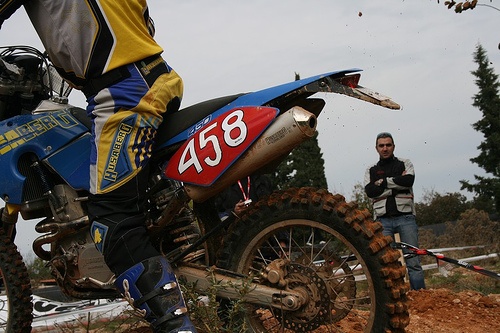
Segment the picture
%%capture
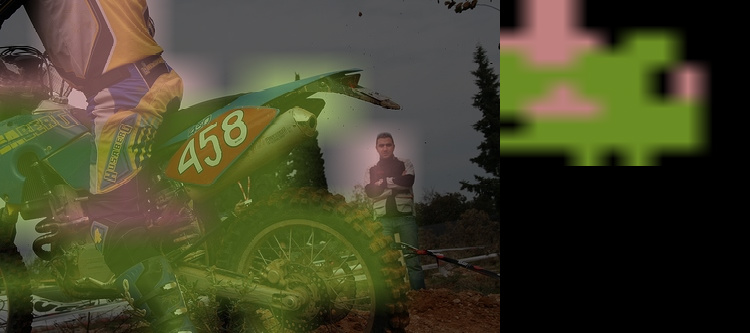
!python3 $PROGRAM_PATH/segnet.py --network=fcn-resnet18-voc $INPUT_PATH/$IMAGE_NAME $OUTPUT_PATH/$OUTPUT_NAME
Show the resulting image
Image(filename=output_path+'/object_result.jpg')
In-Doors
Check all the available pictures within the system
!ls $INPUT_PATH/room_*
Pick one of the images with urban city scene and initialize the image/ output name.
image_name = 'ChangeMe'
output_name = 'room_result.jpg'
%env IMAGE_NAME = $image_name
%env OUTPUT_NAME = $output_name

Image(filename=input_path+'/'+image_name)
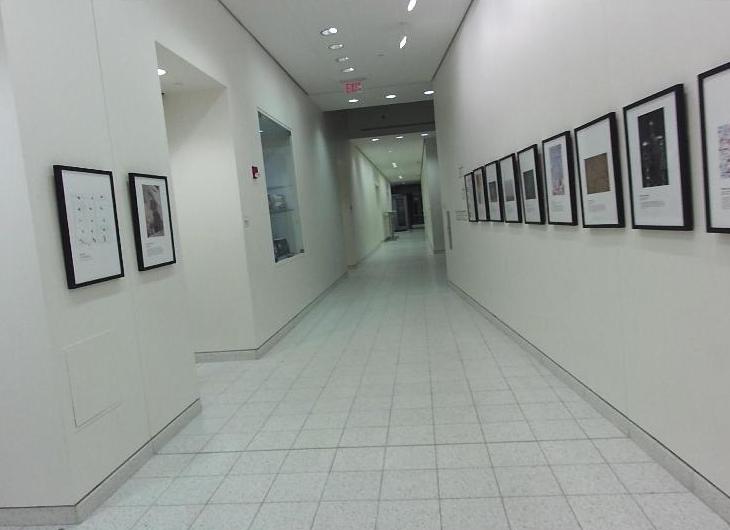
Segment the picture
%%capture
!python3 $PROGRAM_PATH/segnet.py --network=fcn-resnet18-sun $INPUT_PATH/$IMAGE_NAME $OUTPUT_PATH/$OUTPUT_NAME
Show the resulting image
Image(filename=output_path+'/room_result.jpg')