Tracking a Face with the Robotic Arm
Follow along: Tracking a Face with the Robotic Arm
The program launching process along with parameter settings are all simplified and set up on the Jupyter Notebook Environment.
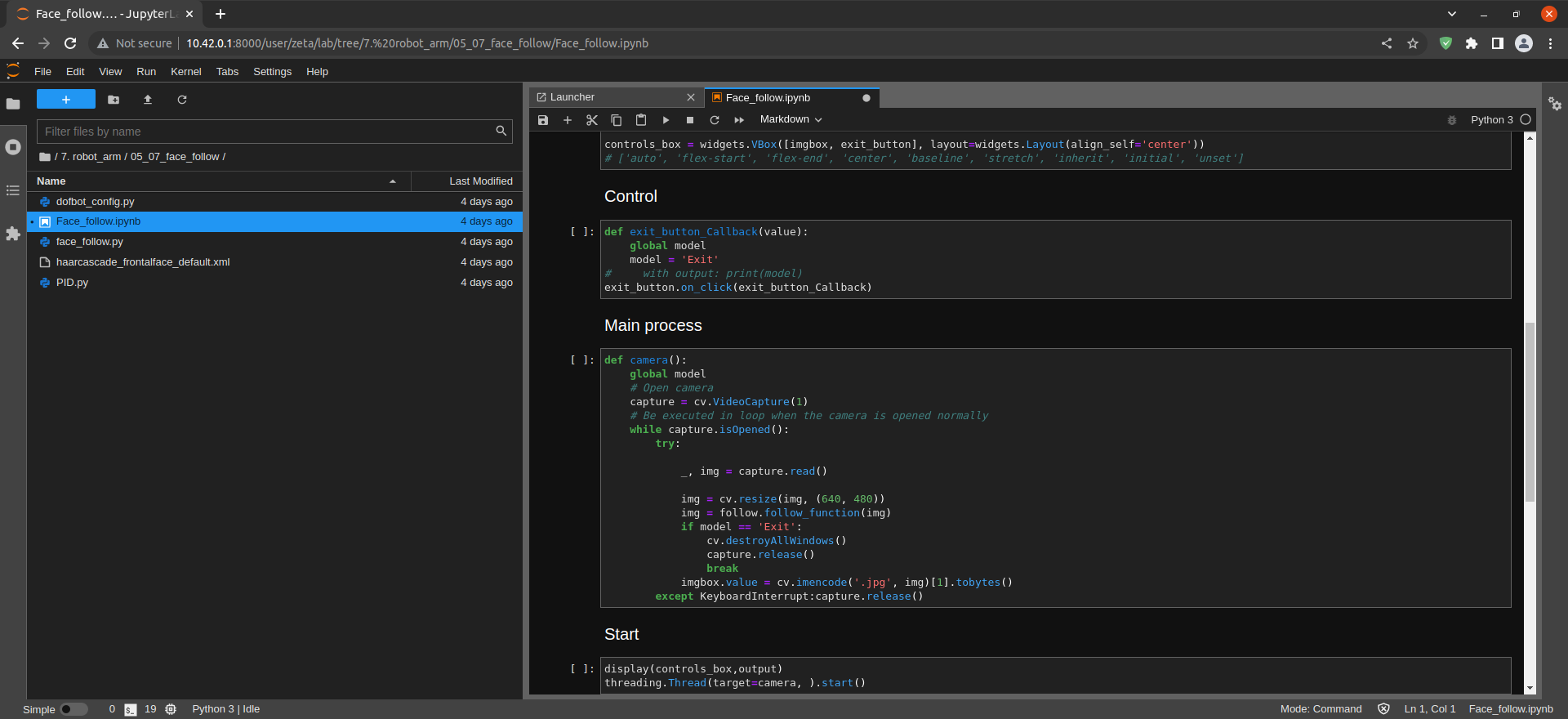
- Open the 05_07_follow_face.ipynb Jupyter Notebook.
- Load Arm_Lib module and register the robot arm as an object.
- Create the instance and initialize the parameters.
- Creating controls.
- Switch mode.
- Execute the Code.
(The Jetson Board used for these examples are => Jetson Nano)
05_07_follow_face
- Running the cell codeCtrl + Enter
To control the robot arm from code, don’t forget to shut down the docker container. See here.
Face recognition and tracking using robot arm camera.
Import head file.
import cv2 as cv
import threading
from time import sleep
import ipywidgets as widgets
from IPython.display import display
from face_follow import face_follow
Initialize DOFBOT position.
import Arm_Lib
Arm = Arm_Lib.Arm_Device()
joints_0 = [90, 150, 20, 20, 90, 30]
Arm.Arm_serial_servo_write6_array(joints_0, 1500)
Create the instance and initialize the parameters.
follow = face_follow()

model = 'General'
Creating controls.
button_layout = widgets.Layout(width='250px', height='50px', align_self='center')
output = widgets.Output()

exit_button = widgets.Button(description='Exit', button_style='danger', layout=button_layout)

imgbox = widgets.Image(format='jpg', height=480, width=640, layout=widgets.Layout(align_self='center'))

controls_box = widgets.VBox([imgbox, exit_button], layout=widgets.Layout(align_self='center'))
# ['auto', 'flex-start', 'flex-end', 'center', 'baseline', 'stretch', 'inherit', 'initial', 'unset']
Controls.
def exit_button_Callback(value):
    global model
    model = 'Exit'
#     with output: print(model)
exit_button.on_click(exit_button_Callback)
Main Process.
def camera():
    global model
    # Open camera
    capture = cv.VideoCapture(1)
    # Be executed in loop when the camera is opened normally
    while True:
        try:

            _, img = capture.read()

            img = cv.resize(img, (640, 480))
            img = follow.follow_function(img)
            if model == 'Exit':
                cv.destroyAllWindows()
                capture.release()
                break
            imgbox.value = cv.imencode('.jpg', img)[1].tobytes()
        except KeyboardInterrupt:capture.release()
Start.
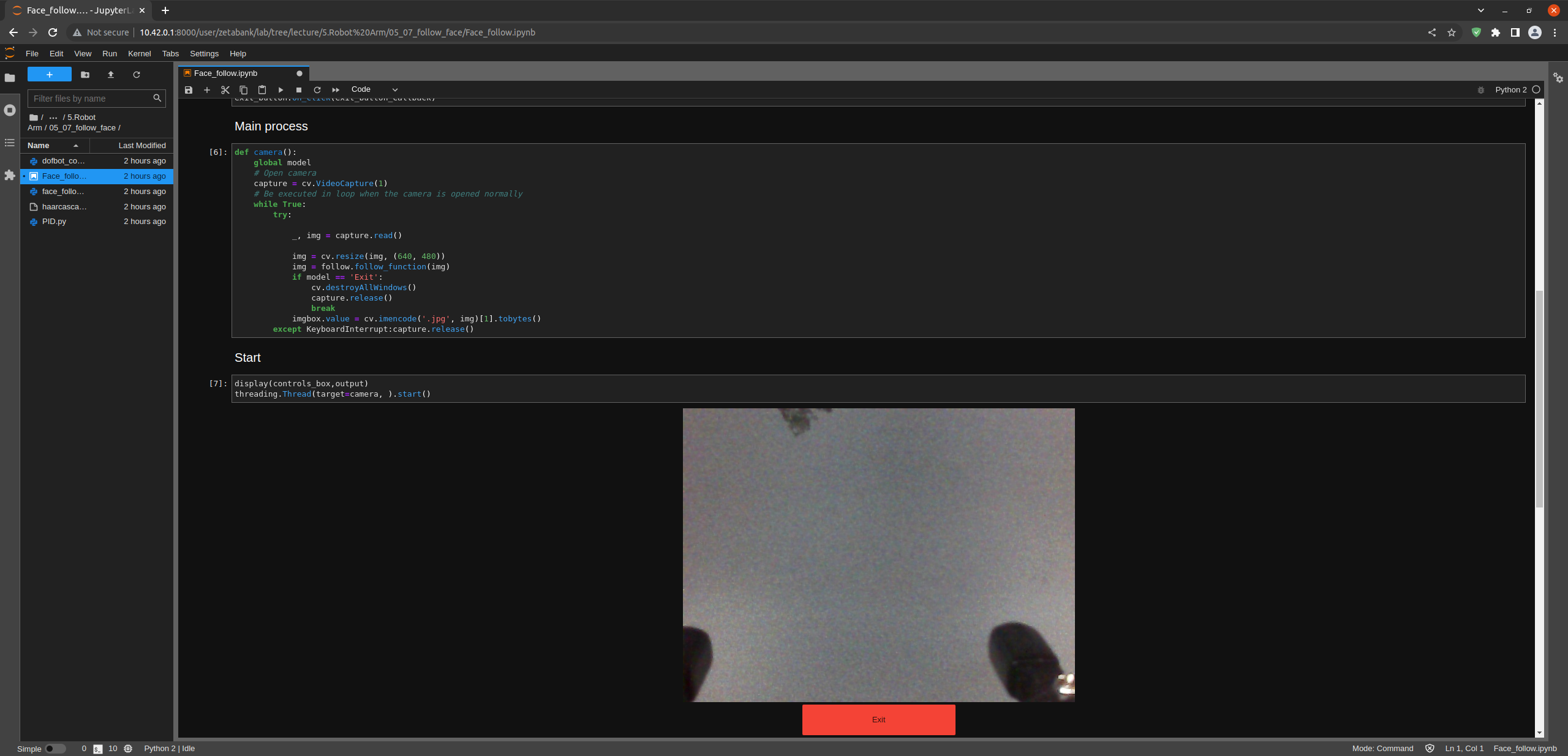
display(controls_box,output)
threading.Thread(target=camera, ).start()