Mission Project
Project Name: Make Your Robot Dance to the Music!
Libraries used for this Mission
Here are the libraries needed for our Mission.
time and Arm_Lib Library
To control the robot arm we will import:
time library for delays on robot arm.
Arm_Lib library for controlling the robot arm.
import time
from Arm_Lib import Arm_Device
os Library
To control the music we will import:
os library to publish ROS topic
import os
Lets Start the Mission!!!
Open the mission folder and open the mission-dance.ipynb file.
mission-dance.ipynb
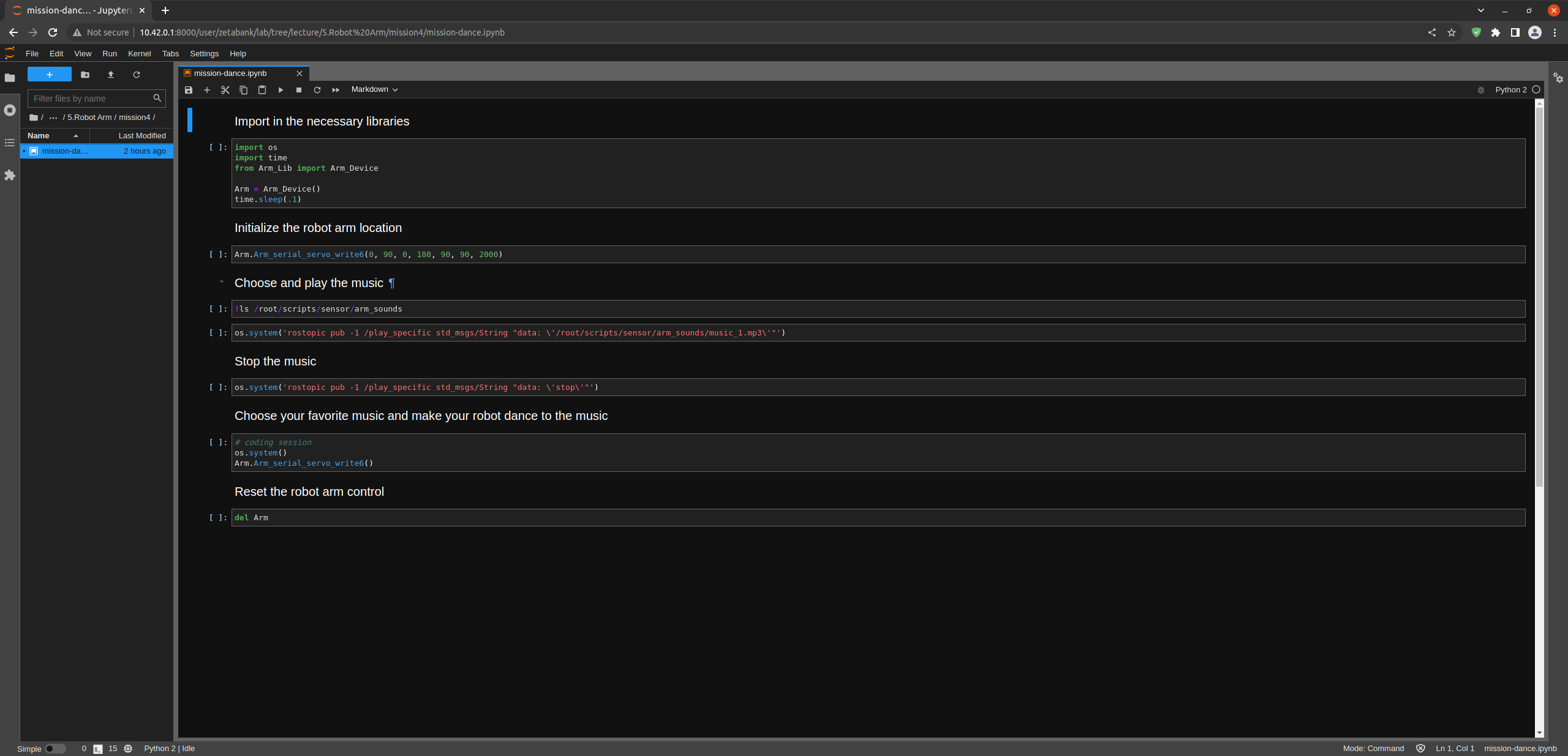
To control the robot arm from code, don’t forget to shut down the docker container. See here.
First, import in the necessary libraries.
import os
import time
from Arm_Lib import Arm_Device

Arm = Arm_Device()
time.sleep(.1)
Initialize the Arm Device.
Arm.Arm_serial_servo_write6(0, 90, 0, 180, 90, 90, 2000)
Check out what music you can choose from.
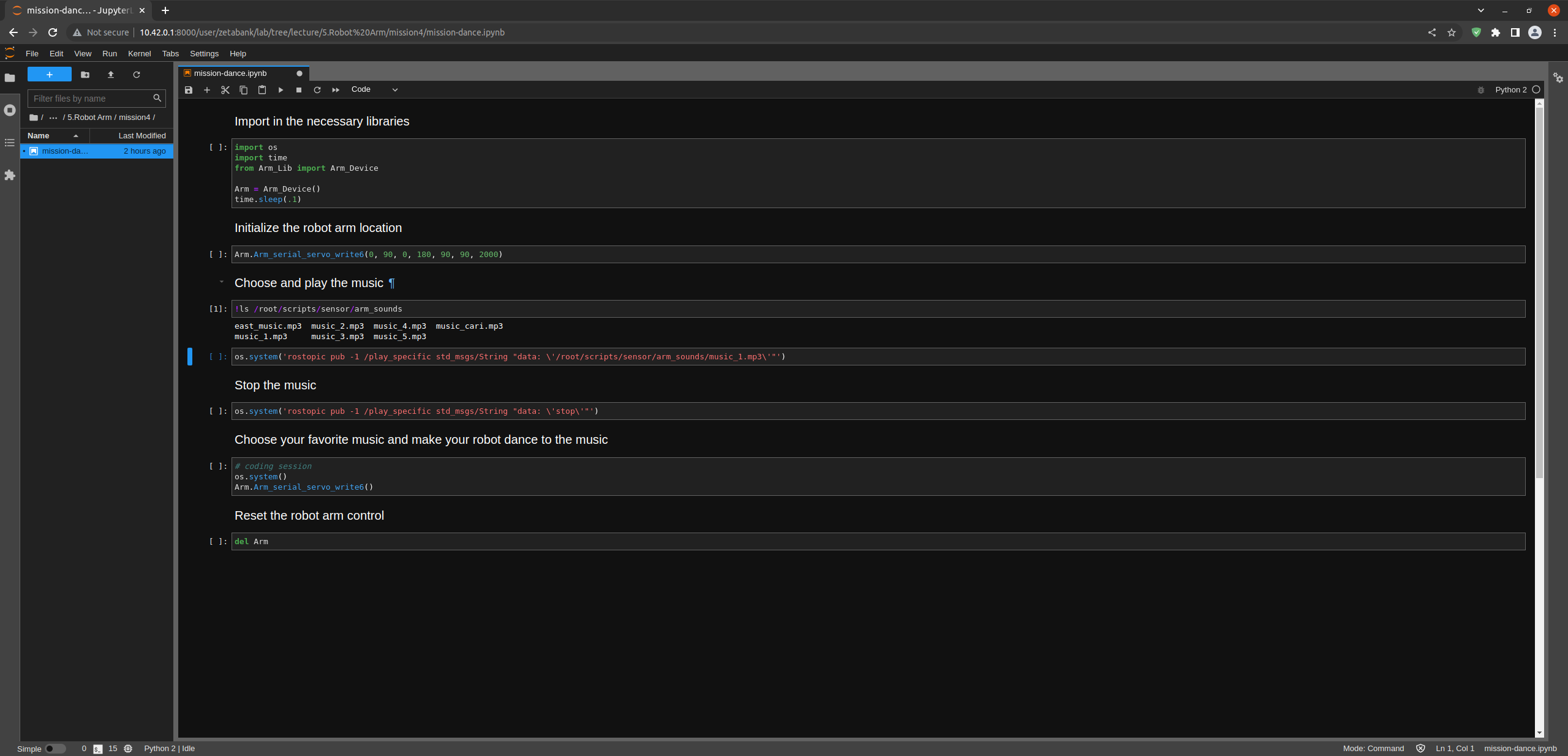
!ls /root/scripts/sensor/arm_sounds
Select the music you want by changing the data of the play_specific topic.
os.system('rostopic pub -1 /play_specific std_msgs/String "data: \'/root/scripts/sensor/arm_sounds/music_1.mp3\'"')
You can stop the music if you wish.
os.system('rostopic pub -1 /play_specific std_msgs/String "data: \'stop\'"')
Be sure to delete the robot after running the code.
del Arm
Make Your Robot Dance to the Music!
Now let the robot dance to the music you want. Don’t forget to add sleep() code between robot movements.
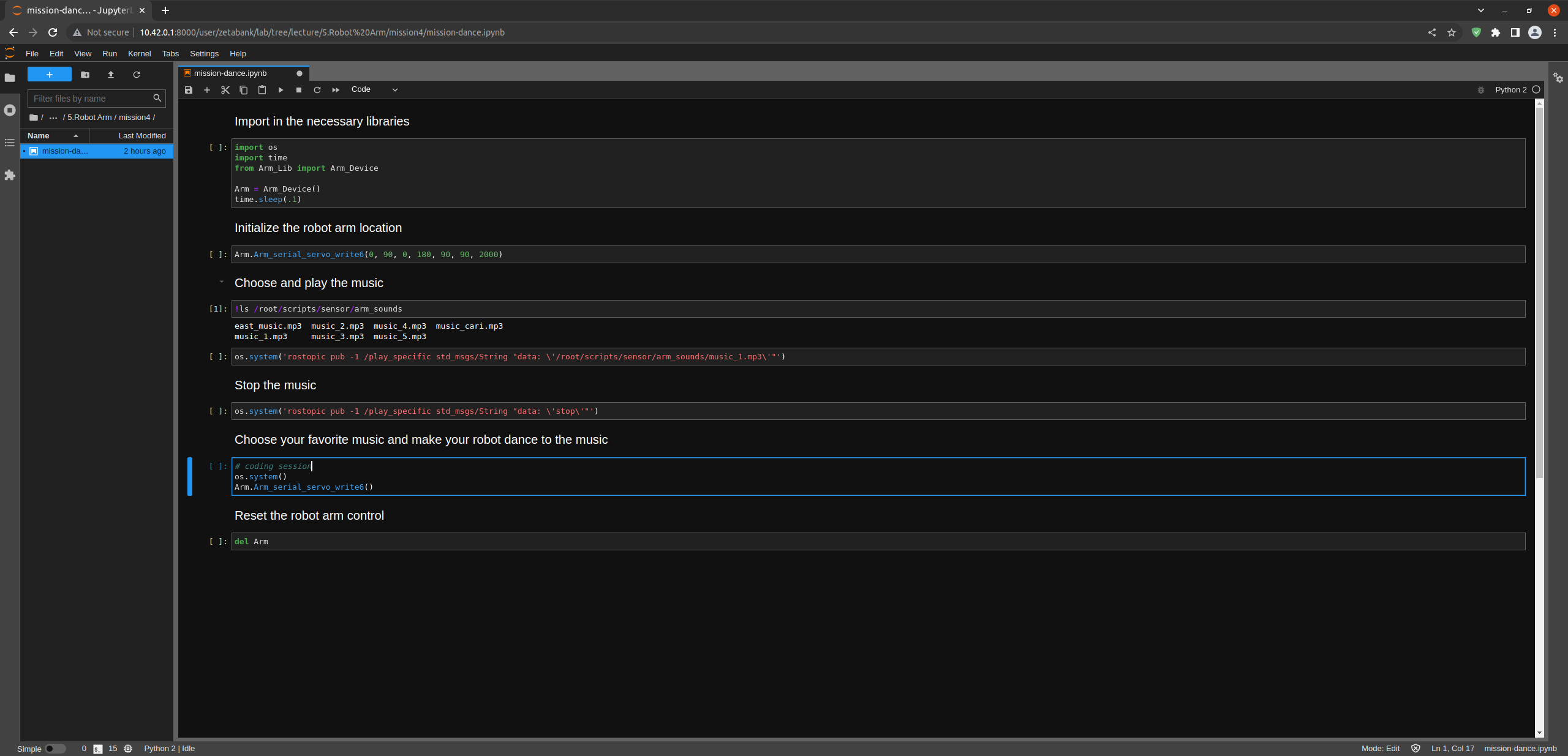
(IMPORTANT) - The servo’s operating angle is 0-180 degrees, but in practice, collisions may occur due to the operating range between each joint. - Code with crashes and injuries in mind.