Python Coding with ChatGPT
Follow along: Python Coding with ChatGPT
- Create a new *.ipynb file Jupyter Notebook
- Fill in the content below in the newly created file
- Follow and Execute the example codes
Open a browser and access the ChatGPT site.
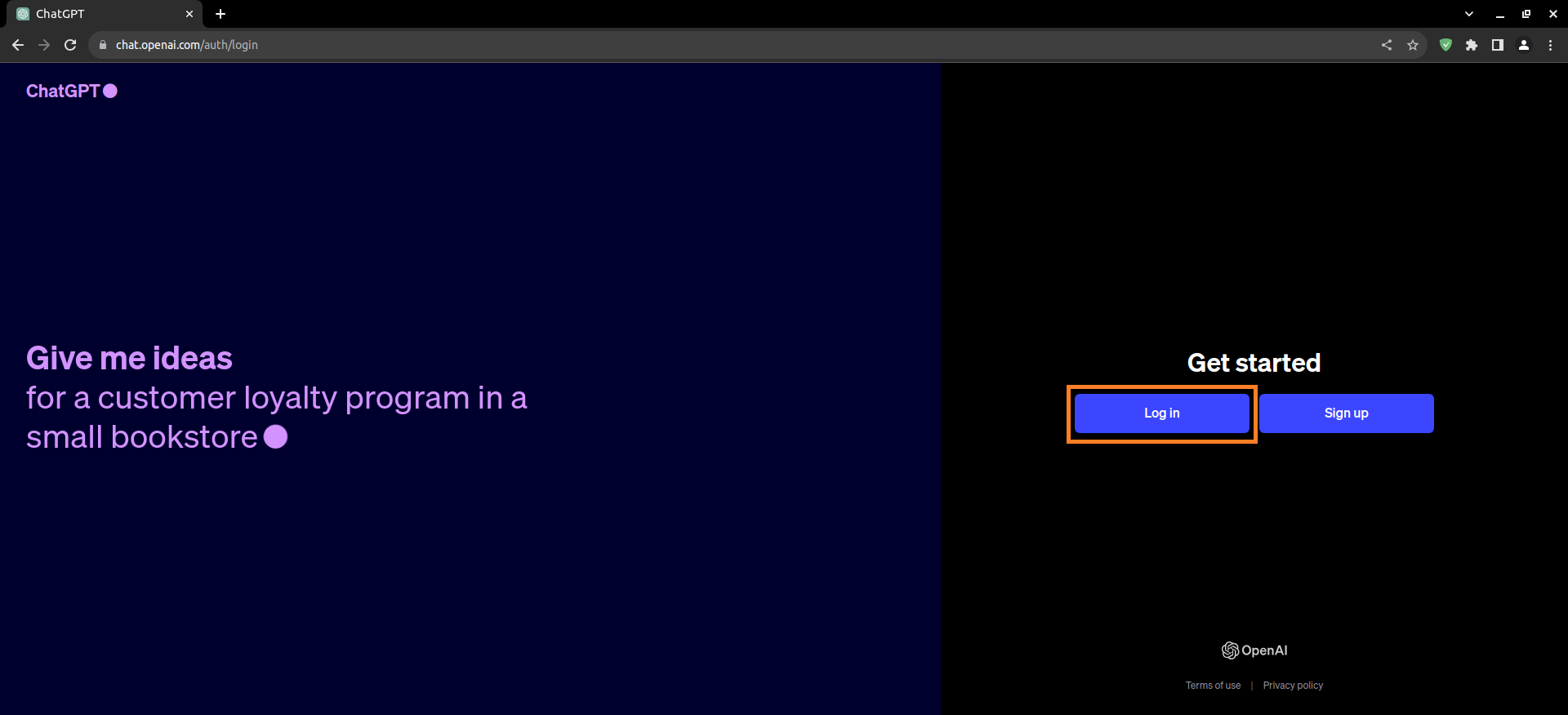
Log in to the ChatGPT site. If you do not have an account, create an account.
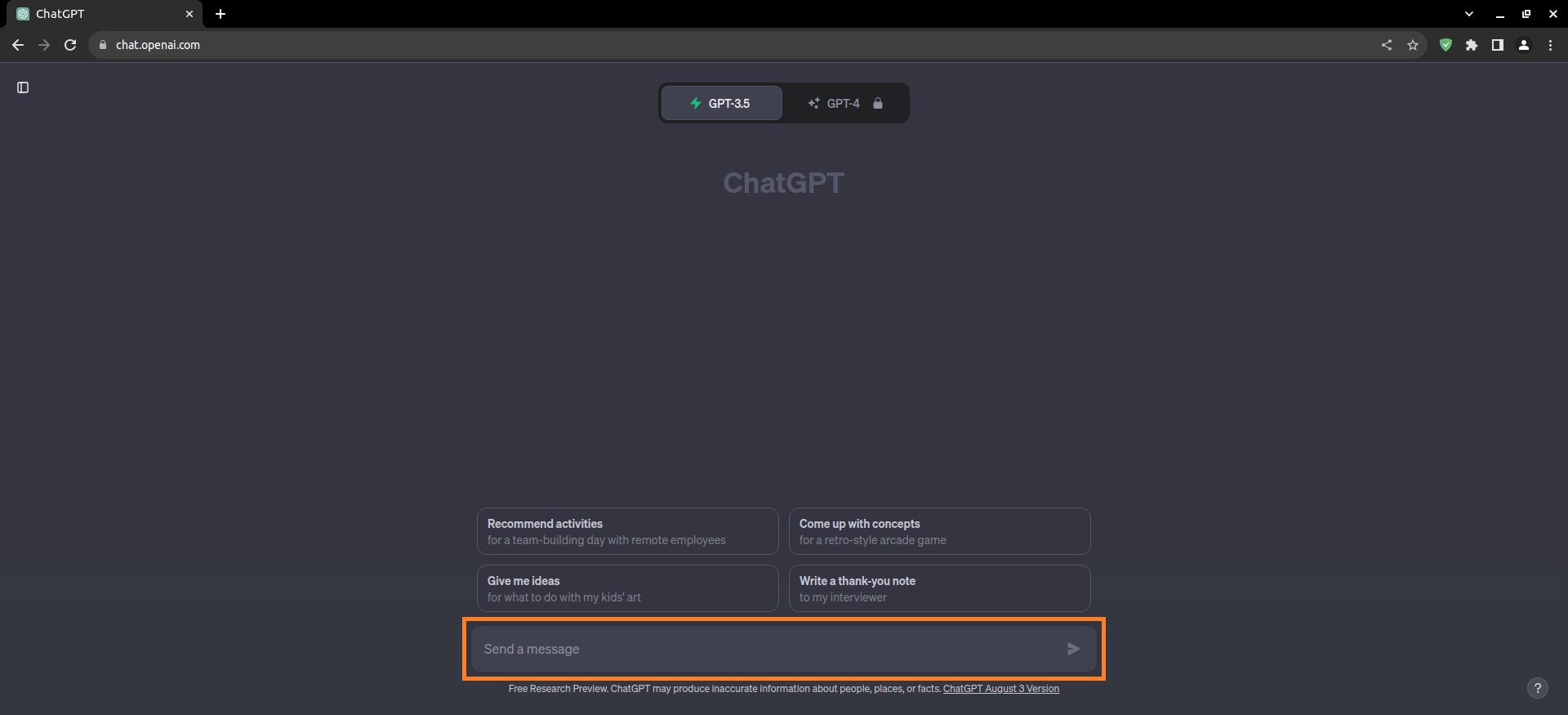
Enter the desired prompt in the ‘send a message’ window.
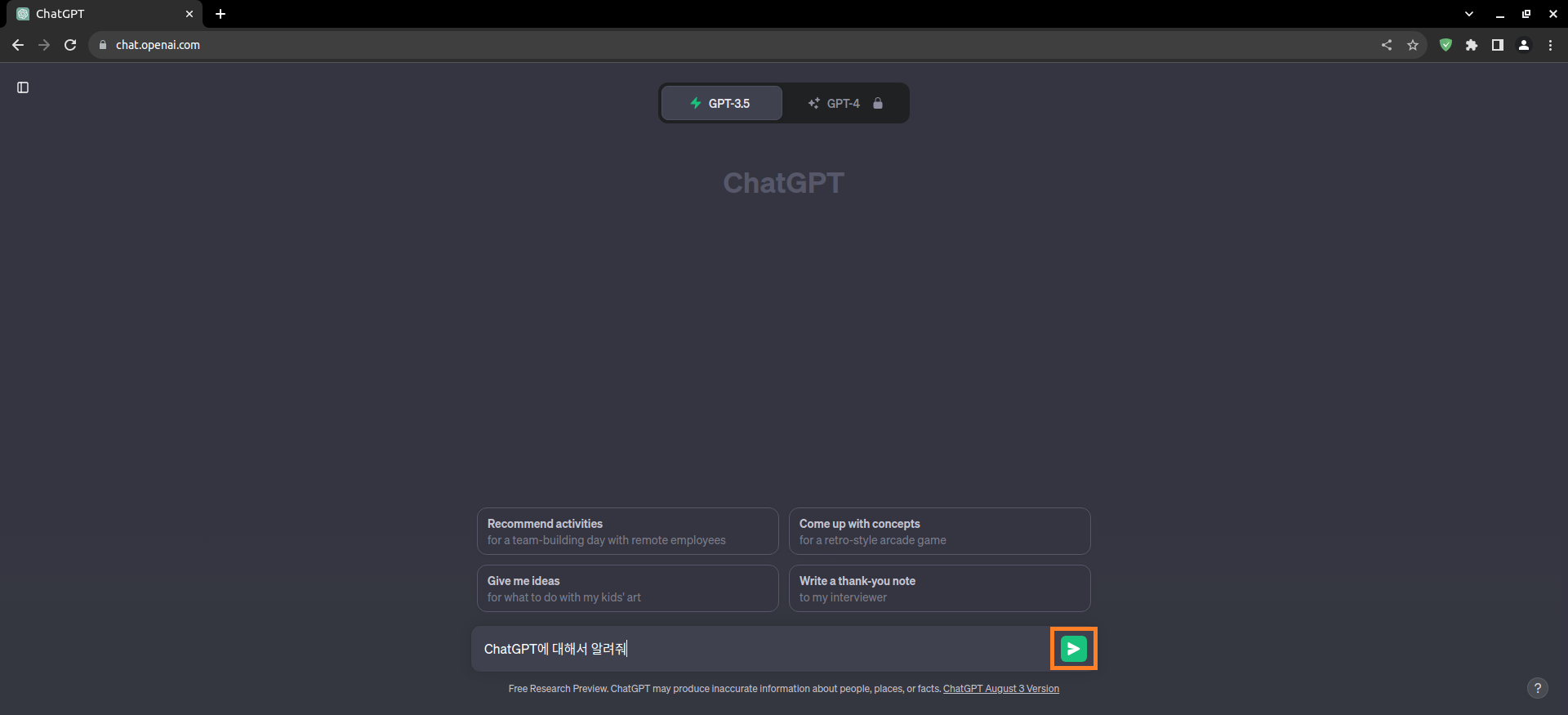
When you have finished entering, click the ‘send’ button.
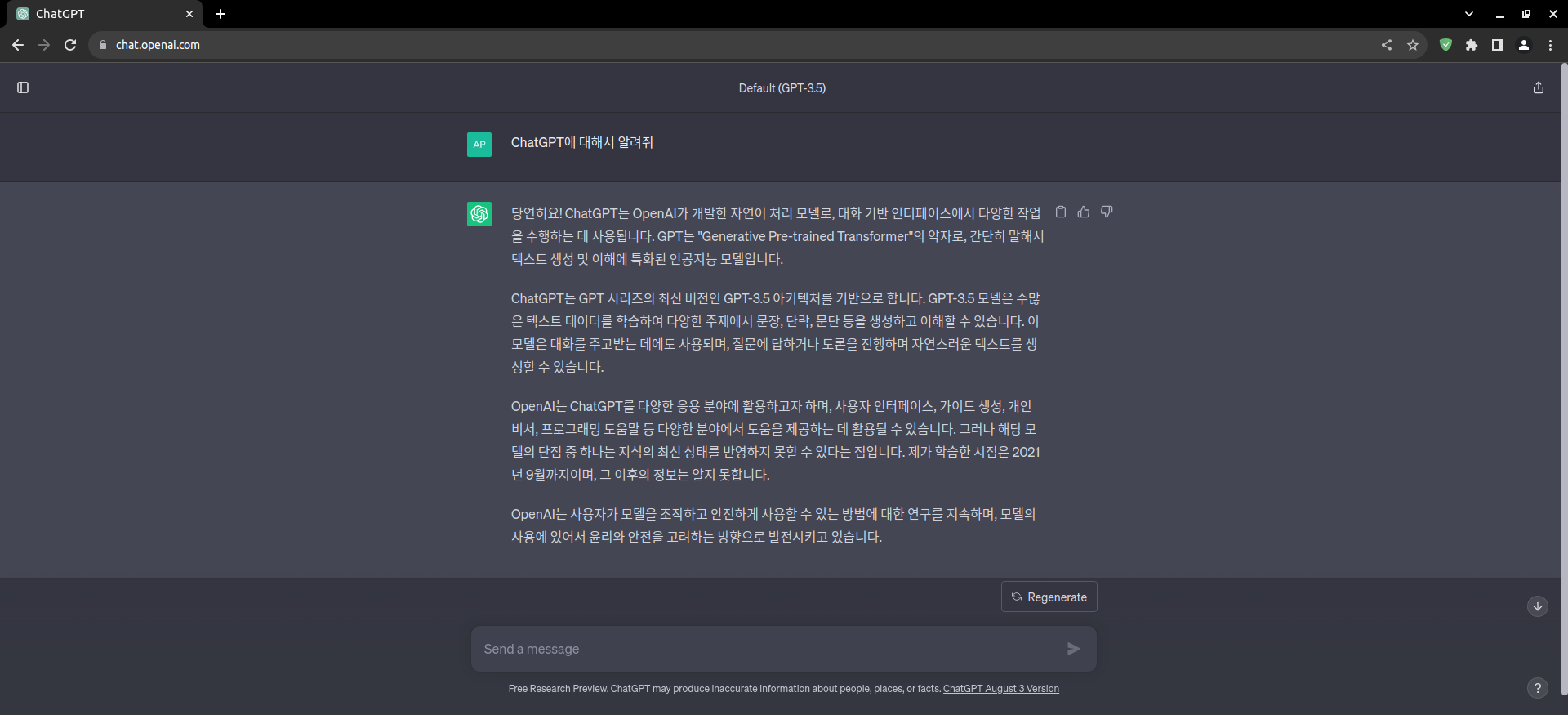
Wait a moment and you will see ChatGPT’s answer.
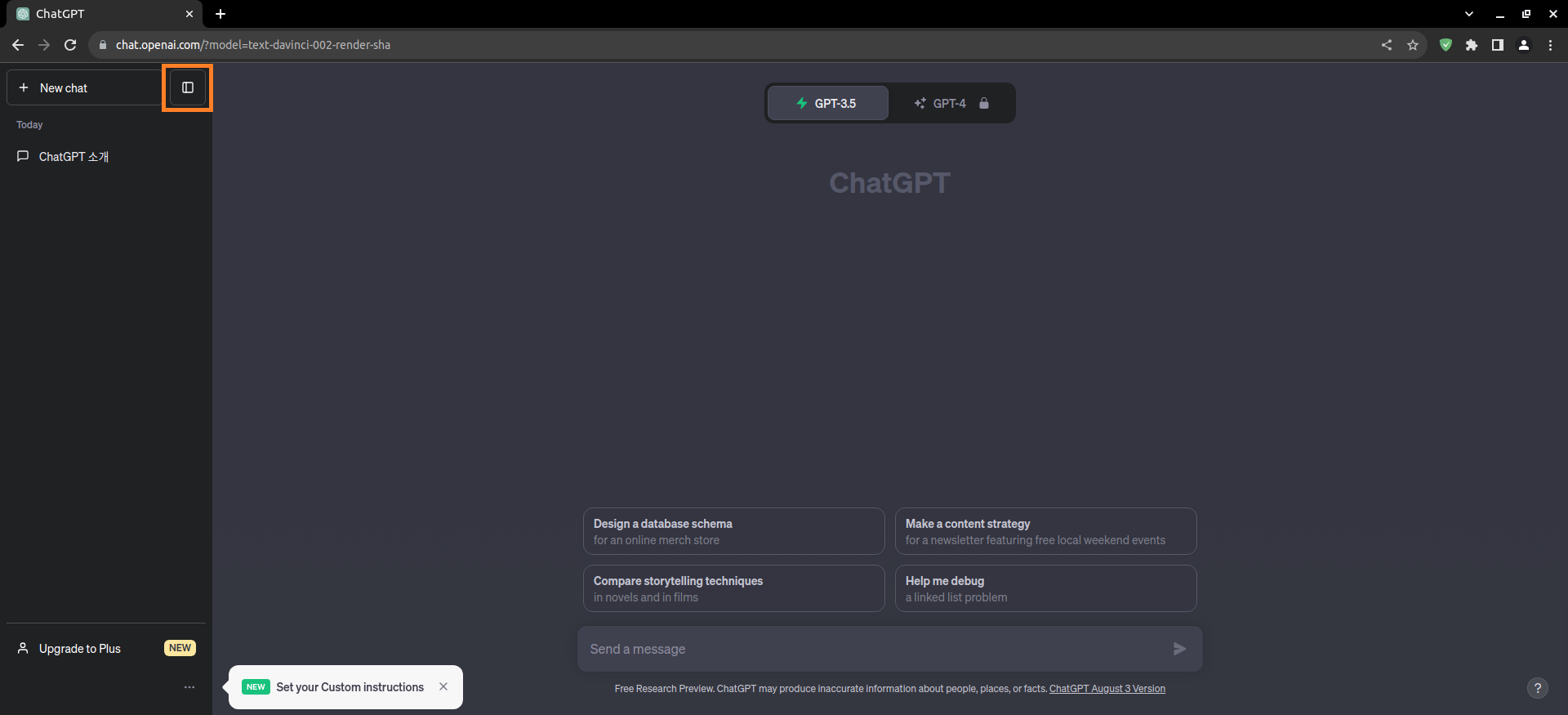
Click the button next to it to see what we’ve talked about so far.
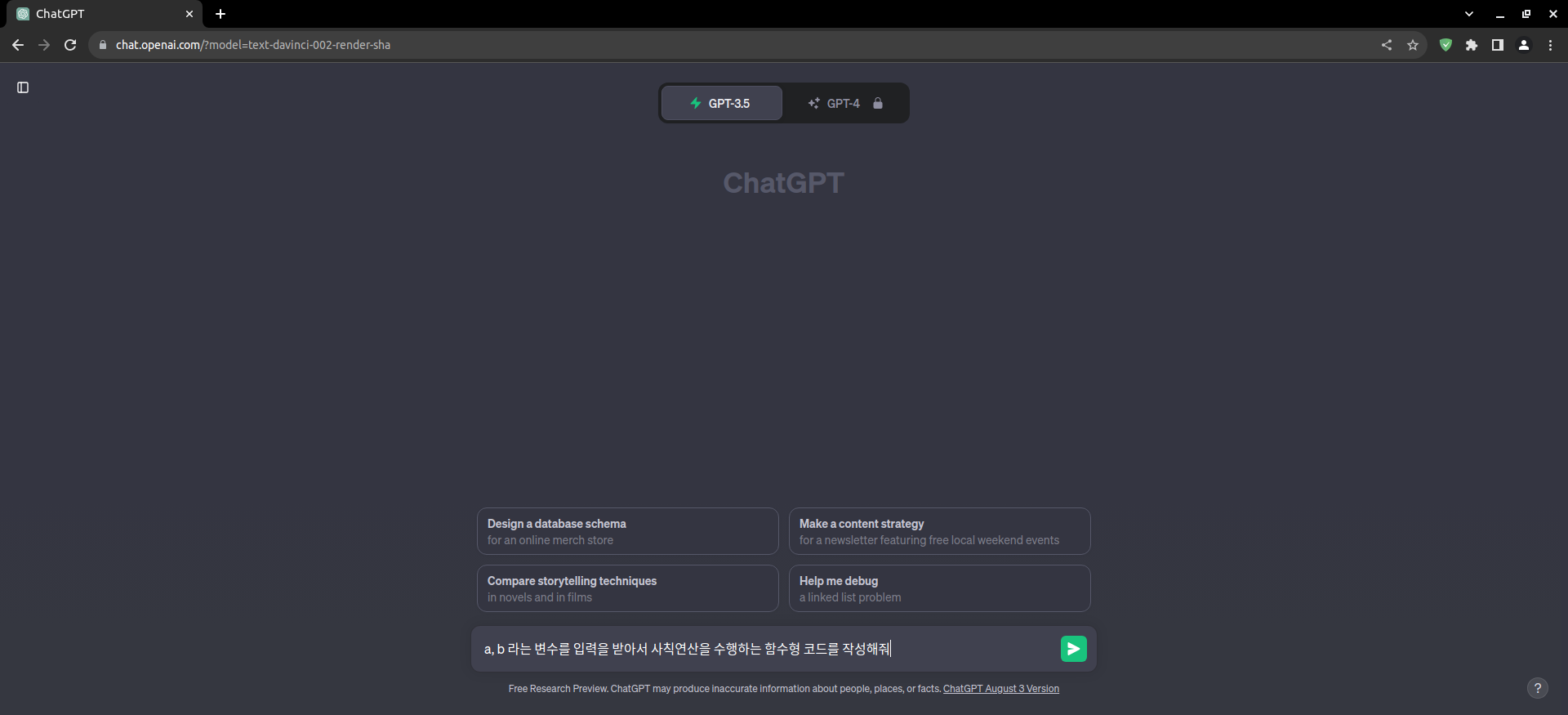
Now, let’s write the desired code with the help of ChatGPT.
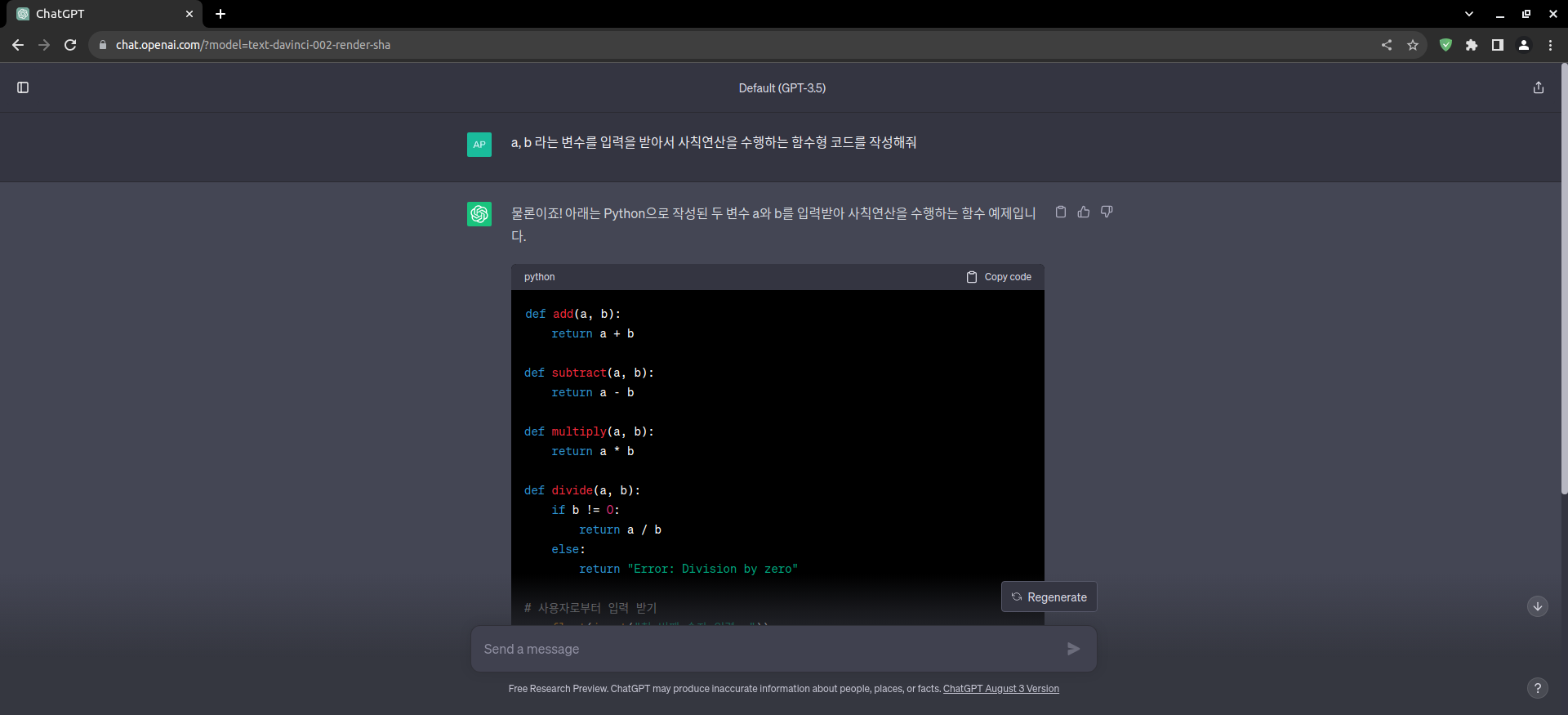
Here is the code we wrote with the help of ChatGPT.
def add(a, b):
    return a + b

def subtract(a, b):
    return a - b

def multiply(a, b):
    return a * b

def divide(a, b):
    if b != 0:
        return a / b
    else:
        return "Error: Division by zero"

# 사용자로부터 입력 받기
a = float(input("첫 번째 숫자 입력: "))
b = float(input("두 번째 숫자 입력: "))

# 각 사칙연산 수행
print(f"{a} + {b} = {add(a, b)}")
print(f"{a} - {b} = {subtract(a, b)}")
print(f"{a} * {b} = {multiply(a, b)}")
print(f"{a} / {b} = {divide(a, b)}")
Now, let’s write the code in earnest with the help of ChatGPT.
Examples:
Chatbot Basics: Write a Python code to create a simple chatbot that greets the user and responds to a few predefined questions.
Number Guessing Game: Develop a program using Python where the computer selects a random number, and the user has to guess it. Provide hints like “higher” or “lower” based on user input.
Image Recognition: Use a Python library like OpenCV to build a basic image recognition program that can distinguish between images containing cats and dogs.
Calculator with AI: Create a calculator in Python that performs basic arithmetic operations and answers questions like “What’s the square root of 25?” using appropriate math functions.
Language Translation: Write a Python script that contains a dictionary of English words and their translations. Convert a user-entered sentence from English to another language using this dictionary.
Sentiment Analysis: Develop a simple sentiment analysis program in Python that takes a user’s input (text) and determines sentiment as positive, negative, or neutral based on predefined keywords.