LIDAR
Follow along: LIDAR Sensor Operation Example
The program launching process along with parameter settings are all simplified and set up on the Jupyter Notebook Environment.
- Open the 01_04_scan.ipynb Jupyter Notebook
- Import the necessary python libraries and modules
- Follow and Execute the example codes
(The Jetson Board used for these examples are => Jetson Nano)
Open the following jupyter notebook:
03_04_scan.ipynb
To run the cells within the notebook use Ctrl + Enter
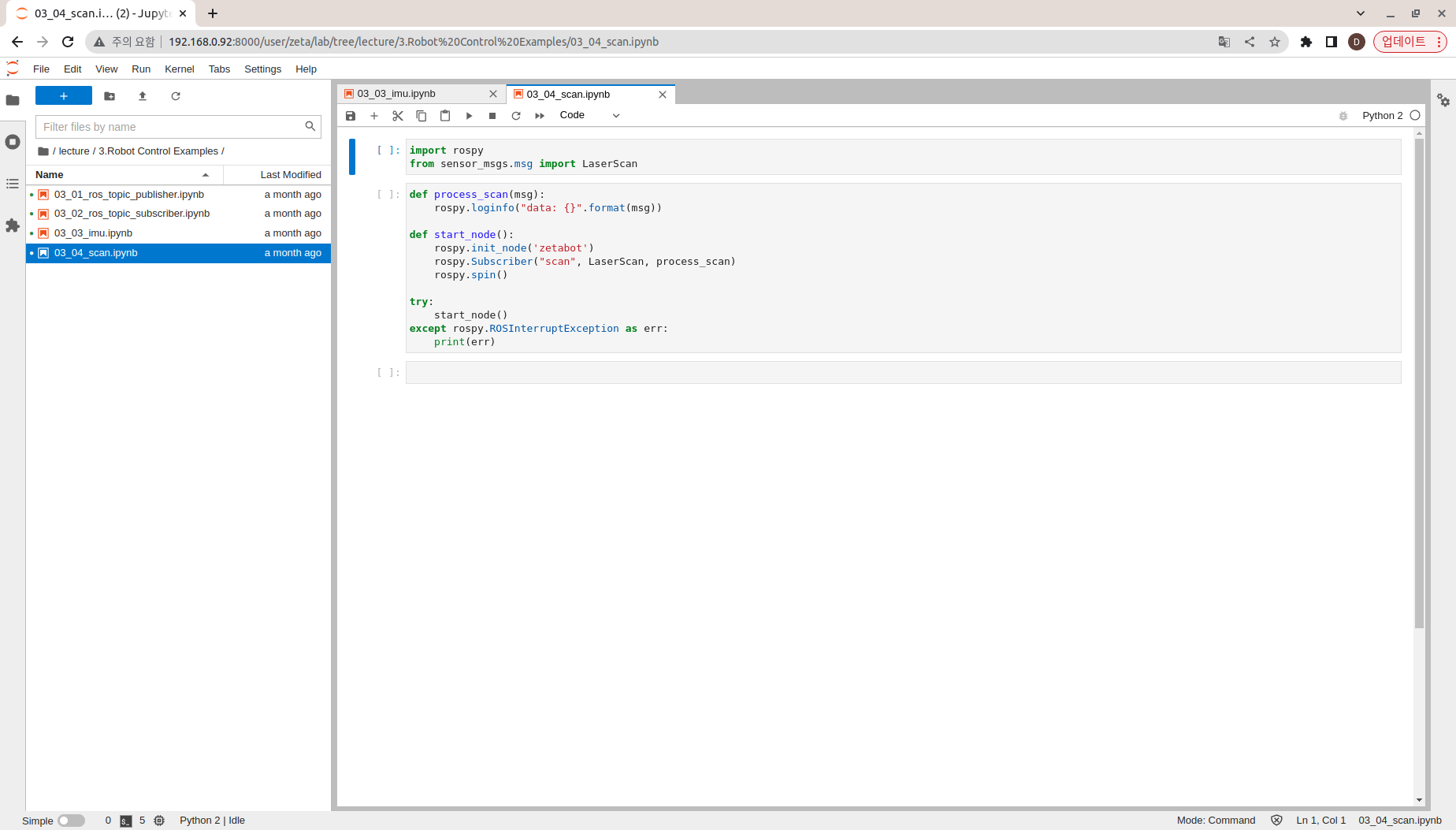
Import the necessary python libraries and modules
import rospy
from sensor_msgs.msg import LaserScan
Create zetabot Node
Subscribe to the “scan” topic, and display the published information.
def process_scan(msg):
    rospy.loginfo("data: {}".format(msg))

def start_node():
    rospy.init_node('zetabot')
    rospy.Subscriber("scan", LaserScan, process_scan)
    rospy.spin()

try:
    start_node()
except rospy.ROSInterruptException as err:
    print(err)