ROS Topic Publisher
Follow along: ROS Topic Publisher Example
The program launching process along with parameter settings are all simplified and set up on the Jupyter Notebook Environment.
- Open the 01_01_ros_topic_publisher.ipynb Jupyter Notebook
- Import the necessary python libraries and modules
- Follow and Execute the example codes
(The Jetson Board used for these examples are => Jetson Nano)
Open the following jupyter notebook:
03_01_ros_topic_publisher.ipynb
To run the cells within the notebook use Ctrl + Enter
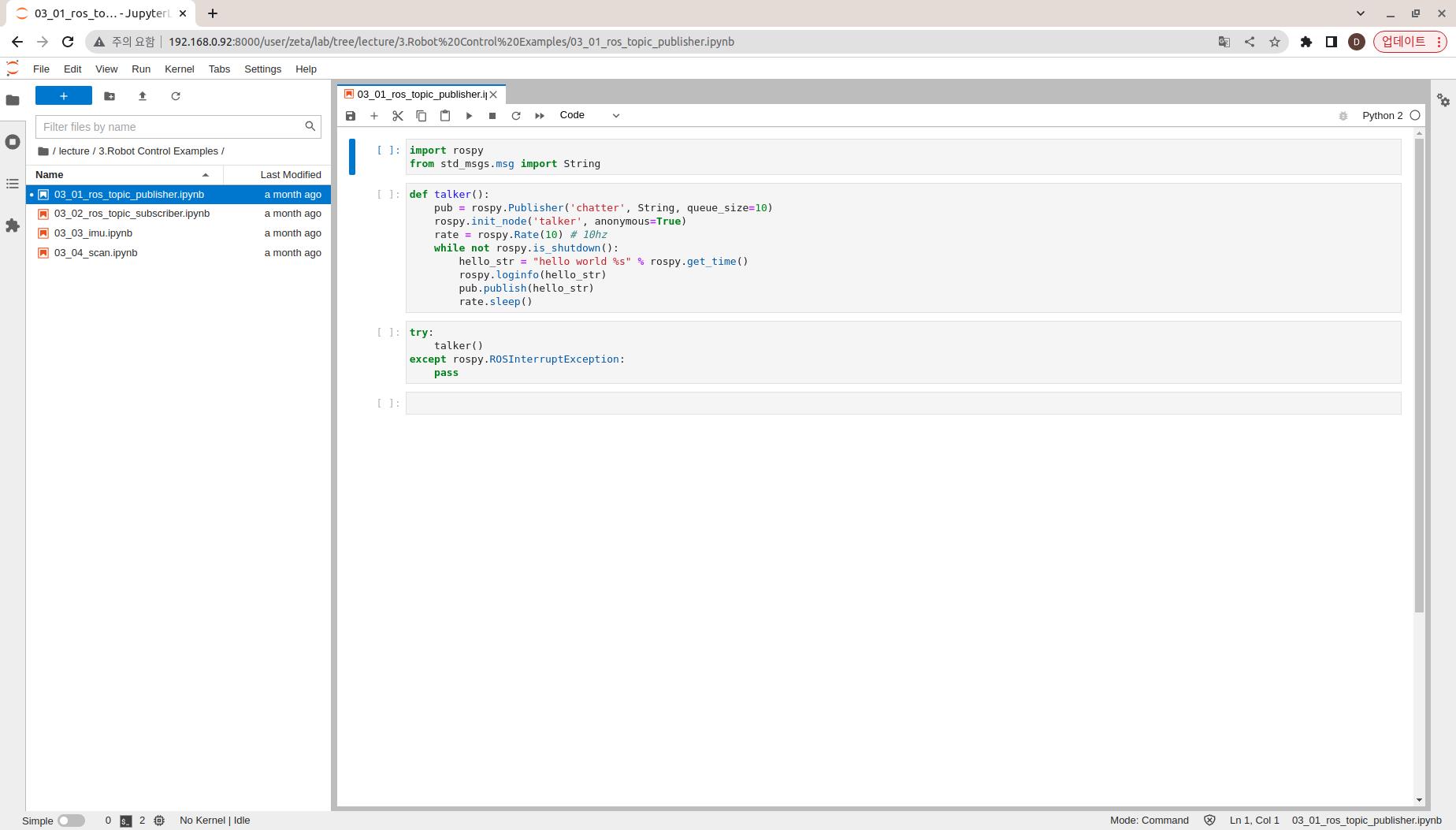
Import the necessary python libraries and modules
import rospy
from std_msgs.msg import String
Create talker() function
Within the talker function:
Create talker nodes and chatter topics
Publish “hello world” + ROS Timestamp Message repeatedly (per 10hz)
def talker():
    pub = rospy.Publisher('chatter', String, queue_size=10)
    rospy.init_node('talker', anonymous=True)
    rate = rospy.Rate(10) # 10hz
    while not rospy.is_shutdown():
        hello_str = "hello world %s" % rospy.get_time()
        rospy.loginfo(hello_str)
        pub.publish(hello_str)
        rate.sleep()
Execute the talker() function with handler functions.
try:
    talker()
except rospy.ROSInterruptException:
    pass