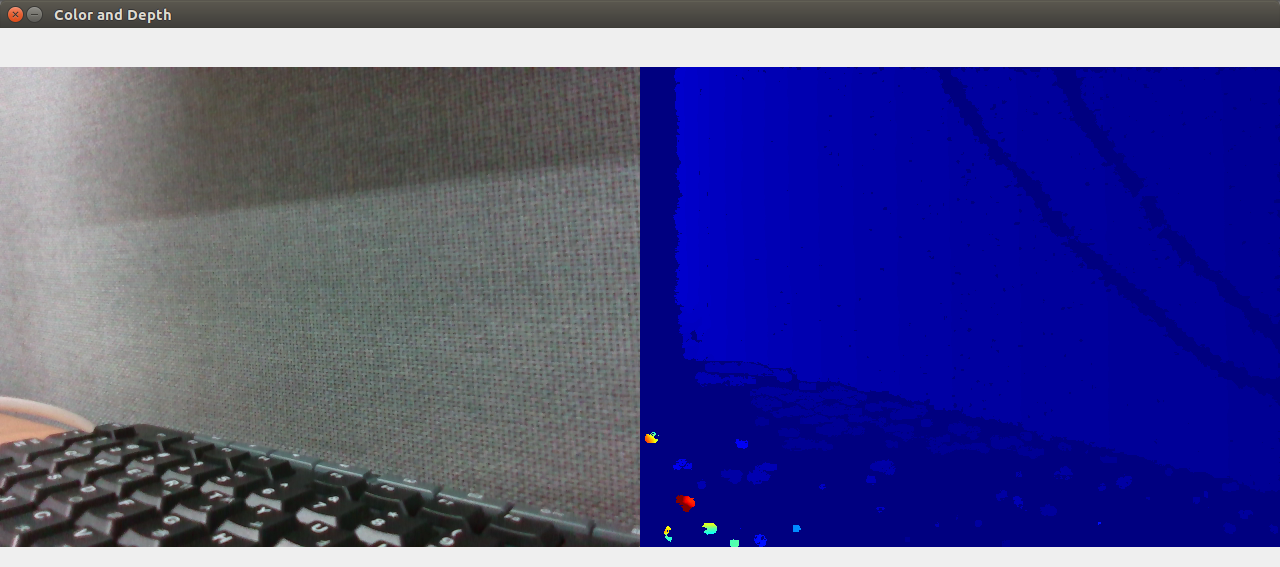
Compare Color Image and Depth Image
Follow along: Compare Color Image and Depth Image
The program launching process along with parameter settings are all simplified and set up on the Jupyter Notebook Environment.
- Open the 01_04_Depth_Comparison.ipynb Jupyter Notebook.
- Compares the rgb image and the depth image and outputs it to the display connected to the jetson nano.
- Make sure your display is connected to your Jetson Nano!
(The Jetson Board used for these examples are => Jetson Nano)
01_04_Depth_Comparison.ipynb
- Running the cell code.Ctrl + Enter
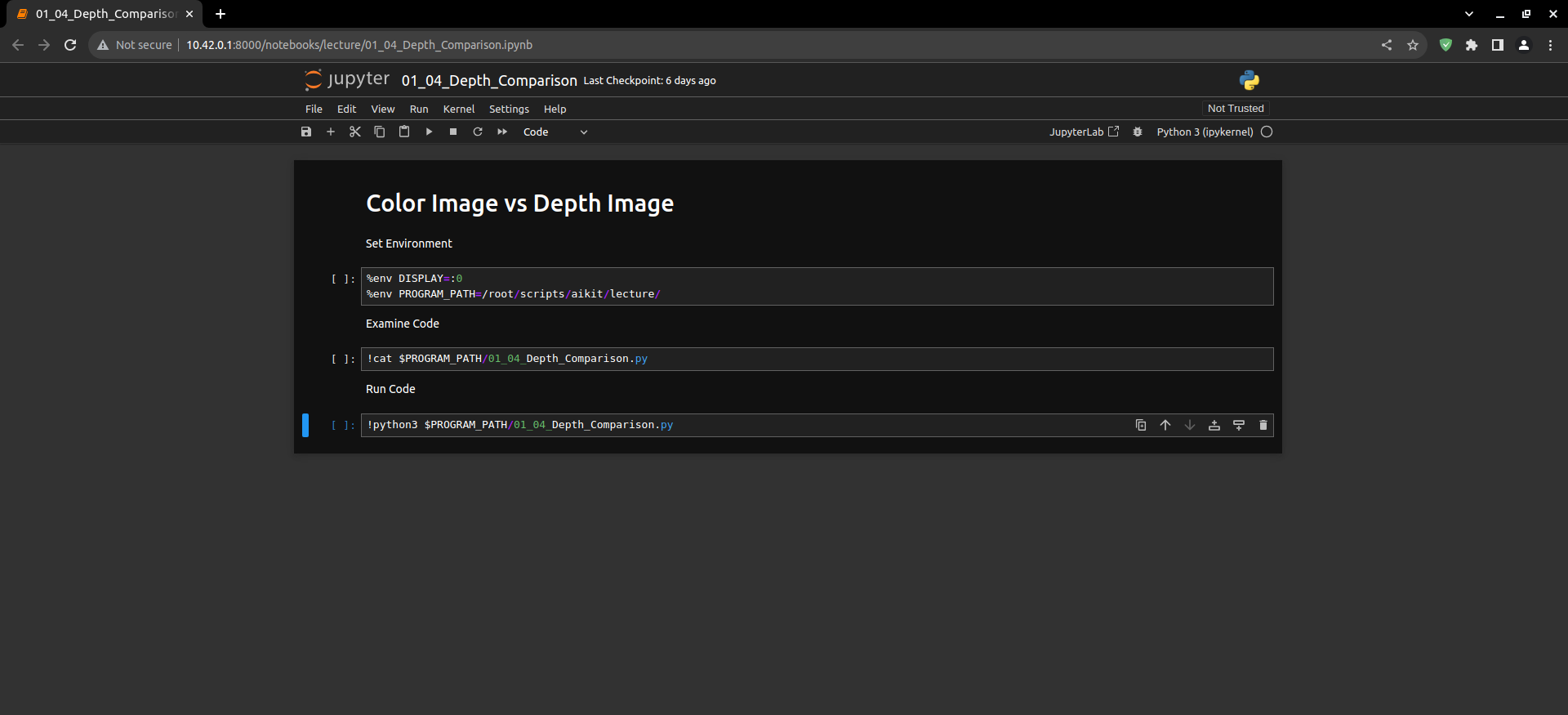
Set environment variables before running the code.
%env DISPLAY=:0
%env PROGRAM_PATH=/root/scripts/aikit/lecture/
Check the Python code to be executed. When the cell is executed, the contents of the corresponding Python code are output.
!cat $PROGRAM_PATH/01_04_Depth_Comparison.py
Execute that code.
!python3 $PROGRAM_PATH/01_04_Depth_Comparison.py
If executed correctly, the following window will appear on the Jetson Nano and the connected display.