How to Install GCC / G++ Compiler
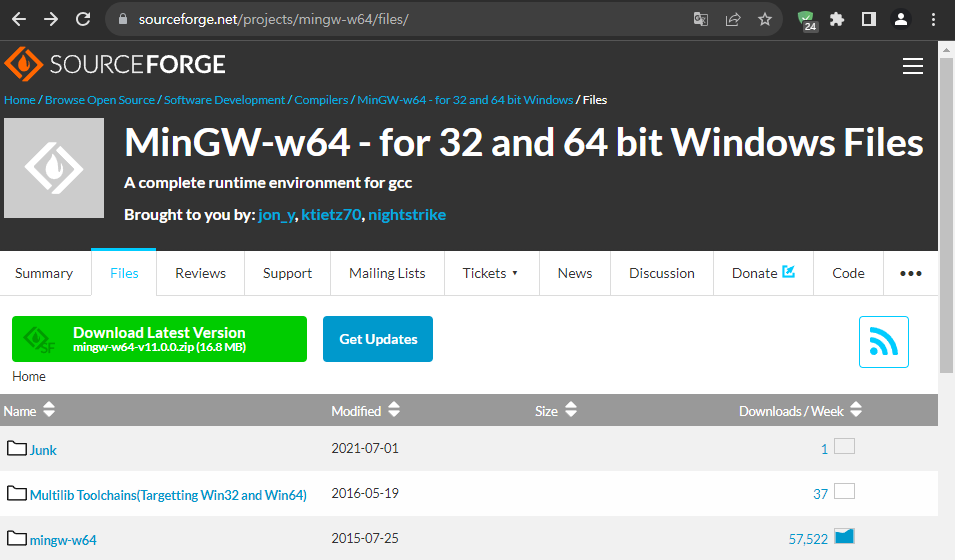
Go to the MinGW-W64 download page.
<https://sourceforge.net/projects/mingw-w64/files/>
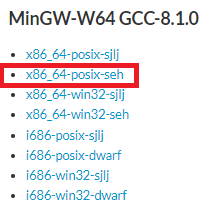
Click the ‘x86_64-posix-seh’ download link.

‘x86_64-8.1.0-release-posix-seh-rt_v6-rev0.7z’ file will be downloaded.
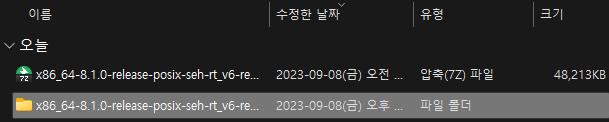
Unzip it to the file name folder.
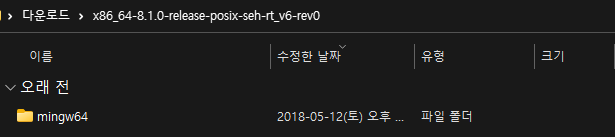
Go into the file name folder.

Move the entire mingw64 folder to ‘C:\’.
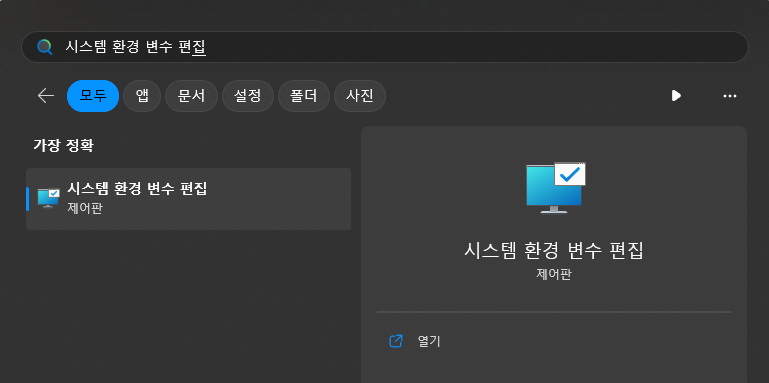
Find and enter the ‘Edit System Environment Variables’ menu.
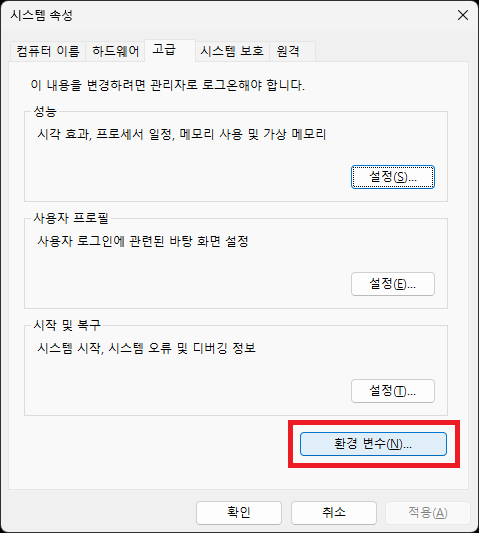
Click the ‘Environment Variables’ menu.
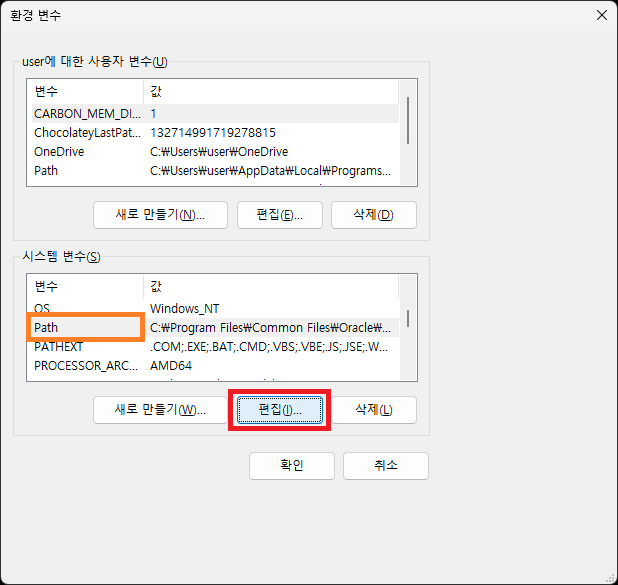
Find the ‘Path’ variable in ‘System Variables’ and click ‘Edit’.
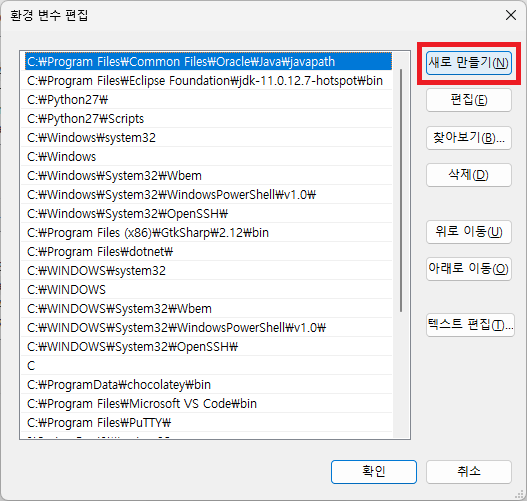
Click ‘New’.
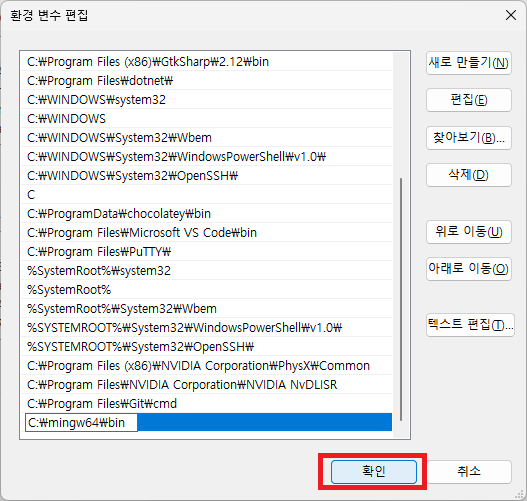
Enter ‘C:\mingw64\bin’ and click ‘OK’.
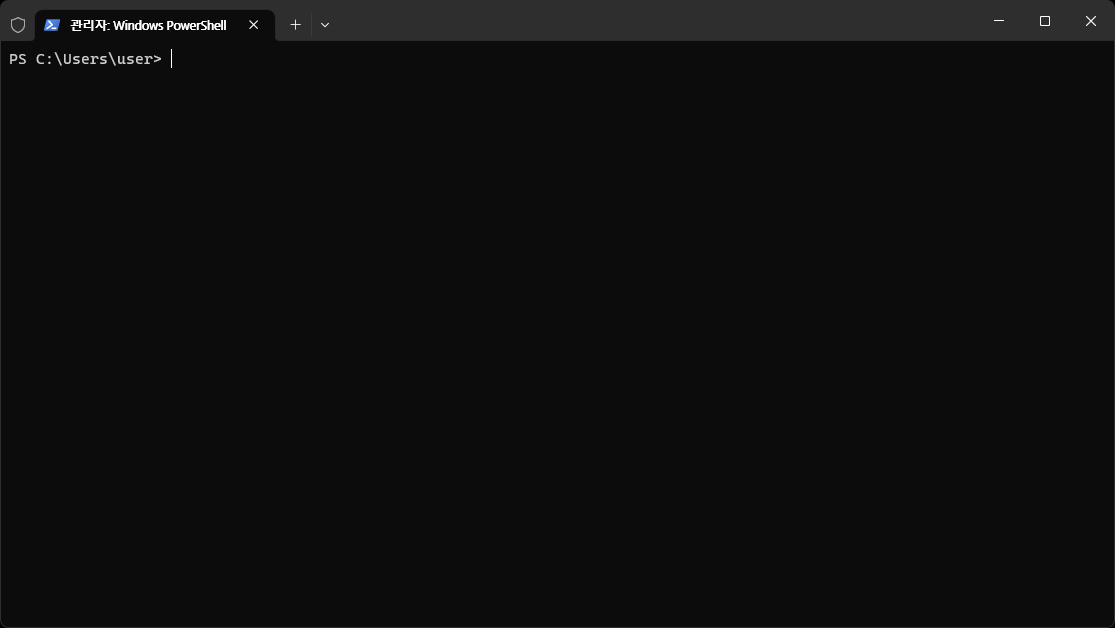
Open a Windows Terminal or cmd window.
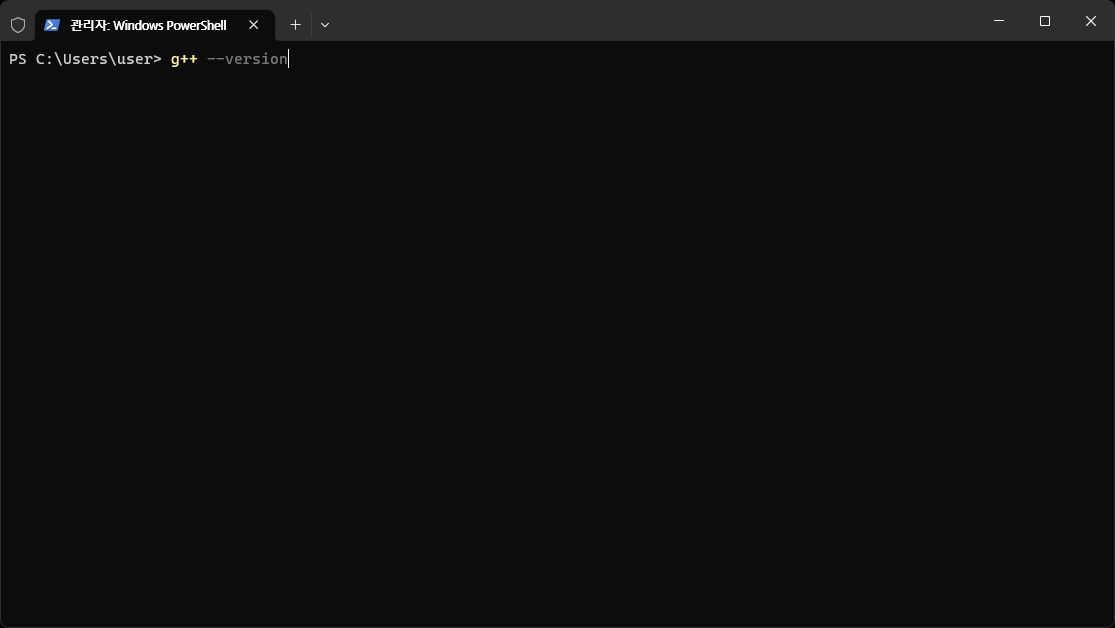
Type ‘g++ –version’ and press Enter.
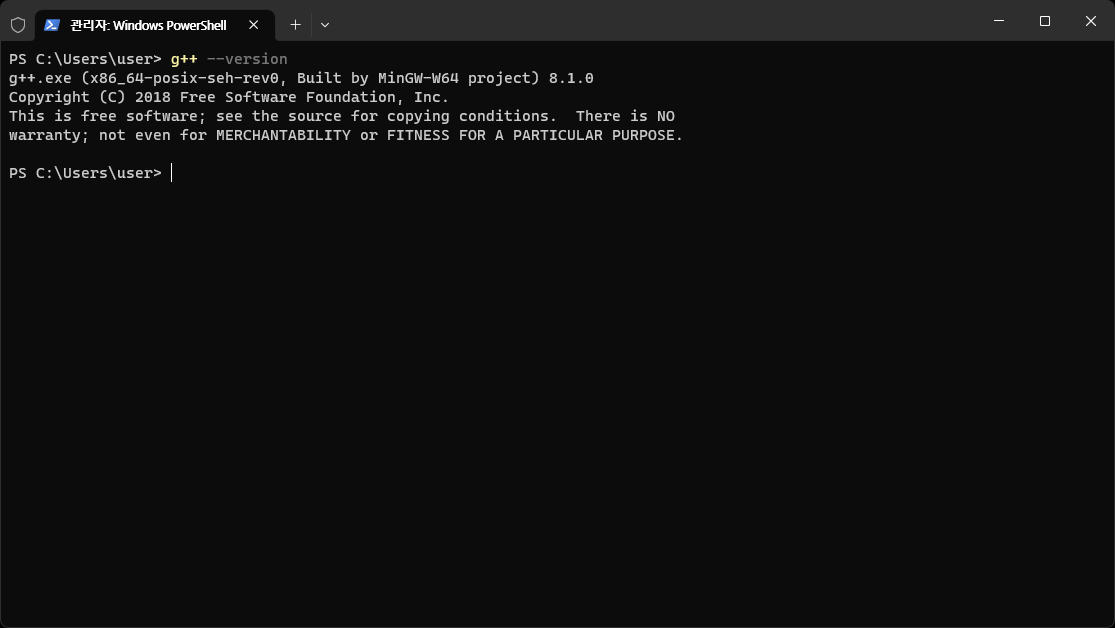
If you see the results above, the installation has been completed successfully.