Interface UI
Follow Along: About Interface UI
Overall
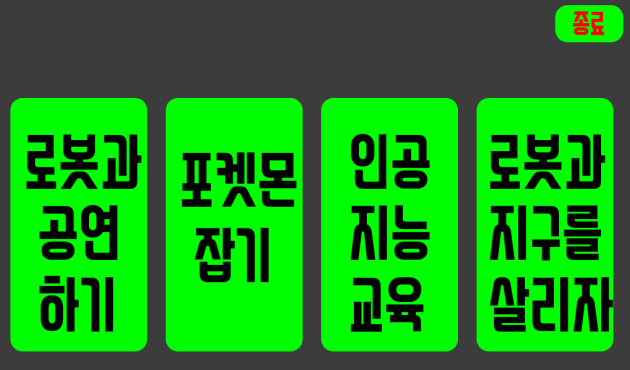
The entire UI is like the picture above.
You can enjoy various entertainment projects through the UI.
The first is ‘Performing with a robot’.
The Second is ‘Catching monsters’.
The third is ‘Artificial Intelligence Education’.
Finally, ‘Let’s save robots and the earth’.
You can enter sub-menus by clicking each button.
Performing with a robot
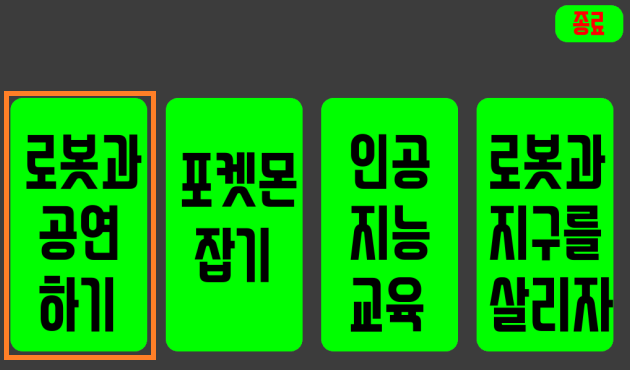
Click the ‘Performing with a robot’ button.
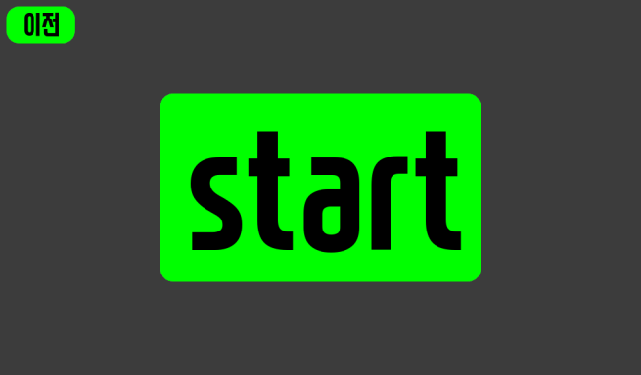
After waiting for a while, click the ‘start’ button and the robot arm will dance to the music.
Catching monsters
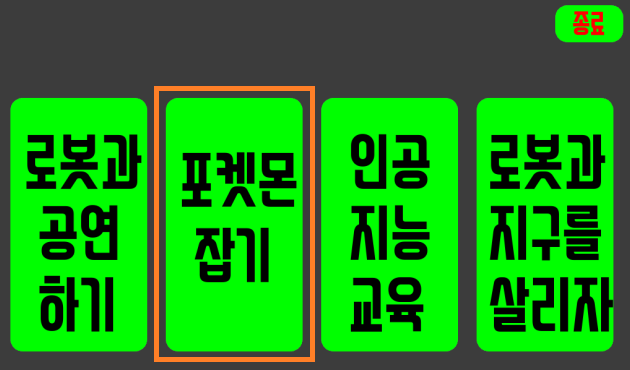
Click the ‘Catching monsters’ button.
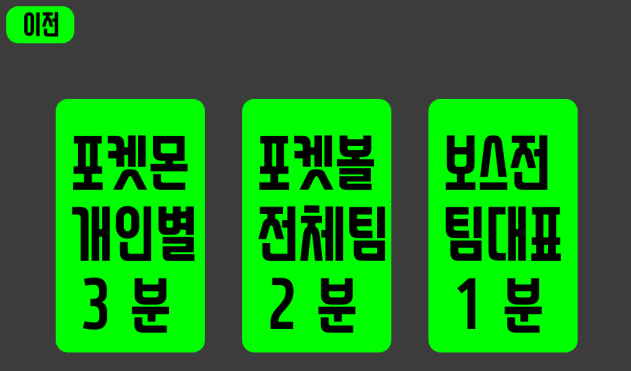
A timer of 3 minutes for each individual, 2 minutes for each team, and 1 minute for the team is given in order of each button.
Enjoy catching monsters at the click of a button that suits the situation.
Artificial Intelligence Education
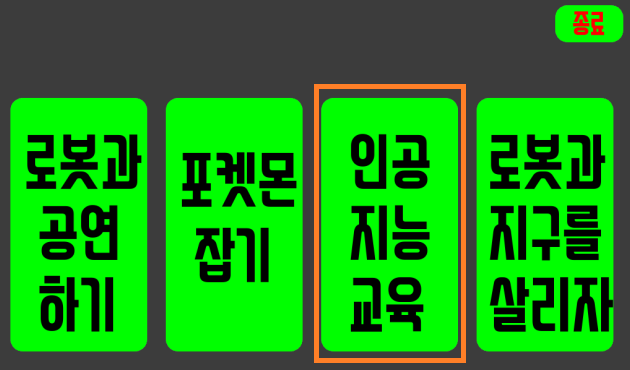
Click the ‘Artificial Intelligence Education’ button.
After waiting for a while, press the ‘start’ button to close the UI window, and AI training is ready to run.
Let’s save robots and the earth
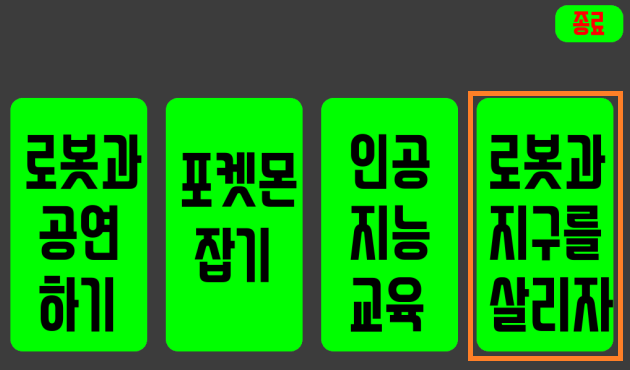
Click the ‘Let’s save robots and the earth’ button.
After waiting for a while, press the ‘start’ button to start the relay race.